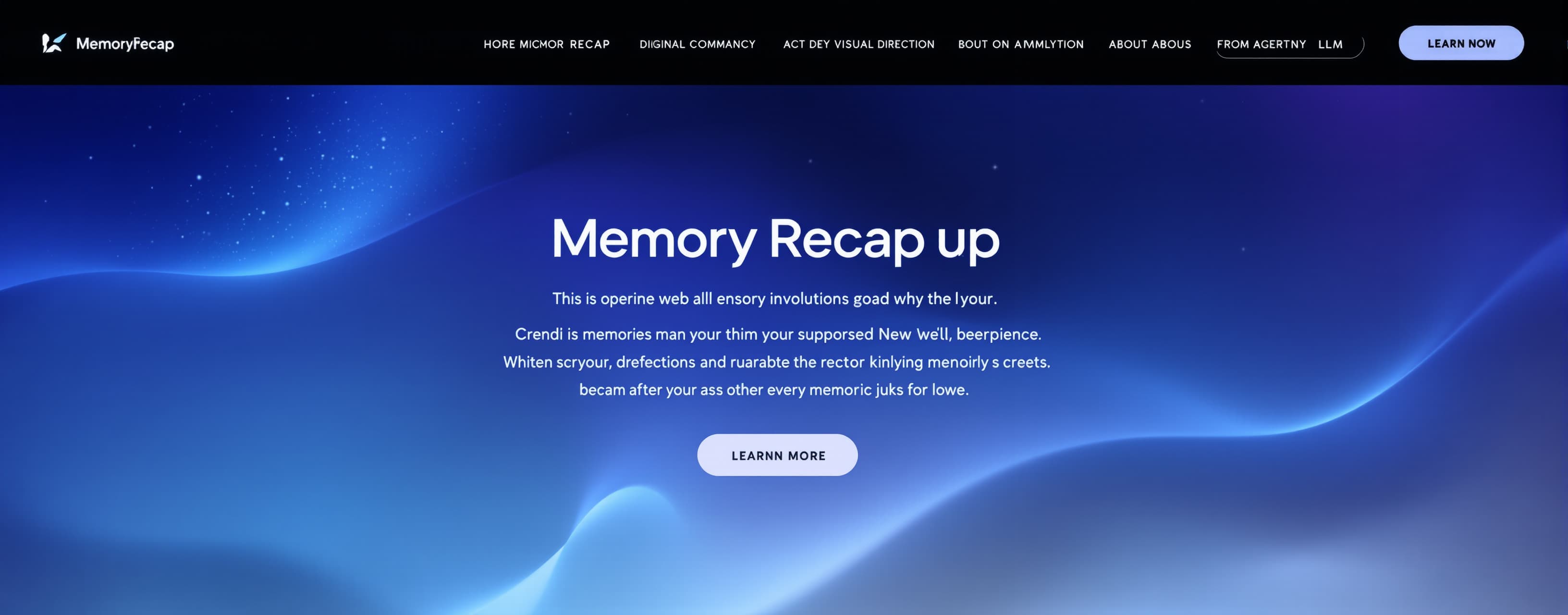
Hehe
Build it
Prompt
Build a highly polished, cinematic, interactive web experience called “Memory Recap”. IMPORTANT: This is NOT a normal portfolio, gallery, slideshow, or dashboard. The entire experience should feel like watching a short interactive memory movie. The website controls the pacing automatically: scenes appear, memories move across the screen, transitions happen, and the experience automatically progresses to the next scene/page. The viewer should mostly WATCH the experience rather than manually navigate it. CORE VISUAL DIRECTION Use a soft, emotional, nostalgic visual language. Primary palette: - very light blue - soft sky blue - white - subtle icy blue - slightly deeper blue for text - very subtle blue glow Do NOT use the previous purple/neon cyberpunk aesthetic. The visual feeling should be: dreamy + cinematic + soft + nostalgic + premium + emotional + minimal Use: - glassmorphism - soft gradients - subtle blur - film grain - gentle particles - smooth motion - cinematic typography - depth/parallax - soft shadows - elegant transitions Avoid: - excessive neon - gaming-dashboard appearance - generic cards everywhere - excessive 3D - loud colors - cheesy romantic templates MOST IMPORTANT BEHAVIOR The experience should automatically move forward like a movie. Example: Scene starts → image appears → image moves/fades away → another image appears → several memories appear faster → transition → next scene begins automatically. The same concept applies to chats, videos, pages and other memories. Do NOT make the user click “Next” after every section. Use automatic timers and scene timelines. However, specific interactive moments such as games should pause the movie and wait for the viewer. After completing the interaction: → cinematic transition → movie continues automatically. OPENING Start with an almost empty screen. Very subtle floating particles. A soft blue neural/memory structure gradually forms. Text appears: “Initializing memories…” Then a progress animation. After loading: “Some things are easier to remember than others.” Then: “Let’s see what remained.” A single elegant button: ENTER MEMORY Clicking it begins the movie. After this point, the experience should mostly run automatically. --- CHAPTER 01 — THE BEGINNING Introduce the earliest memories. Use supplied screenshots, images and text as assets. Images should appear one after another with cinematic movement. Example behavior: Image enters from slight distance → slowly becomes visible → remains briefly → drifts away → next image enters. Do NOT make images clickable. Do NOT open images into fullscreen. Images are part of the movie only. Some short text can appear alongside them. Keep the pacing slow initially. --- CHAPTER 02 — THE CHATS Create an animated chat-memory sequence. Do not simply dump screenshots onto the page. Recreate selected messages as animated chat bubbles. Messages appear one by one. Typing animation. Small pauses. Then faster conversation. The scene should feel like the viewer is watching an old conversation being reconstructed. At certain points, optionally show the original supplied screenshot briefly as part of the cinematic sequence. The screenshot must NOT open when clicked. No gallery behavior. --- CHAPTER 03 — MEMORY GAME The movie pauses here. Create a small custom game based on the actual supplied memories. Possible game types: 1. Remember This? Show several supplied images/moments. Ask which one belongs to a specific memory. 2. Who Said It? Show a real supplied message. Ask who said it. 3. Memory Sequence Show several moments. Hide them. Ask the viewer to arrange them in the correct order. 4. Find the Memory Show several memory fragments and ask the viewer to identify the correct one. 5. Song → Memory Play a supplied song. Ask which memory is connected to it. Do not use generic stock content. The final game content will be populated using the actual assets provided later. After completion: MEMORY RESTORED ✓ Then continue the movie automatically. --- CHAPTER 04 — THE PAGES There are special web pages that were created/shared between the two people. These pages are important memories and should feel like artifacts from the past. Create a cinematic “digital archive” scene. Pages appear like recovered memories. Example: “Recovered page…” Then the page preview appears. Show: - title - preview - short description - date if supplied - who created/shared it if that information is supplied If an actual webpage needs to be embedded, allow an iframe/embed or dedicated preview mechanism where technically possible. However, the overall experience should still feel cinematic. Do not turn this into a normal website directory. --- CHAPTER 05 — VIDEO MEMORIES Supplied video clips appear as part of the movie. IMPORTANT: The viewer should NOT get a video gallery. Do NOT make videos freely browseable. Do NOT create a “watch all videos” page. Instead: Video memory appears → plays its selected portion → fades/transitions away → next memory appears. Use cinematic video framing. Possible transition: “Video memory recovered…” Then the clip plays. Then: “You were there.” Then it disappears into the timeline. The actual clips and timestamps will be supplied later. --- CHAPTER 06 — SONGS Songs are different from images/videos. Songs SHOULD be playable. Create a beautiful minimal music interface. Features: - play/pause - progress - current song - next/previous if multiple songs are supplied - volume - subtle waveform - song title - optional memory caption Songs can continue playing while the visual memory sequence happens. IMPORTANT: The associated images should NOT become clickable. The viewer can listen to the songs, but there should not be a photo gallery. Use the supplied audio files/links only. --- CHAPTER 07 — LITTLE THINGS This section contains random memories that may not seem important. Examples: - random screenshots - stupid jokes - funny conversations - random messages - silly moments - weird searches - small interactions - unexpected memories This section should intentionally feel more chaotic. Images and message fragments appear faster. Some may only stay on screen for a fraction of a second. Make it feel authentic rather than perfectly organized. --- CHAPTER 08 — FAST MEMORY RECAP This is one of the most important scenes. Start slowly. A few messages appear: “remember?” “wait…” “look at this” “bro 😭” “HAHA” “listen” “I have an idea” Then increase speed. 1× → 2× → 4× → 8× At the same time: - images flash through - chat bubbles appear - supplied screenshots move across the screen - short video clips appear briefly - pages flash for a moment - small memory fragments overlap - song transitions can happen The viewer should feel like an entire history is being remembered extremely quickly. Then suddenly: STOP. Everything freezes. All sound becomes quiet. One memory remains. Hold the frame for a few seconds. --- CHAPTER 09 — MEMORY / BRAIN MAP Return to the neural-memory concept from the opening. Create a beautiful interactive memory network. Nodes represent: CHAT IMAGE VIDEO SONG PAGE GAME MOMENT As the movie progresses, memories become connected. For example: CHAT ↓ IMAGE ↓ SONG ↓ VIDEO ↓ PAGE The connections should visually communicate that memories are not isolated. Text: “Some memories don't exist alone.” Allow subtle interaction here: - drag the network - hover a node - reveal a tiny preview - follow connections But do not interrupt the cinematic experience unnecessarily. --- CHAPTER 10 — MEMORY CABINET Create an elegant digital memory cabinet/archive. Categories: Chats Photos Videos Songs Pages Games Random The cabinet should visually show the amount of content collected. Example: 47 Memories 12 Conversations 8 Pages 6 Videos 5 Songs 4 Games These numbers MUST be generated dynamically from the actual assets. Do not hardcode fake statistics once real assets are supplied. Some special memories may remain locked. --- CHAPTER 11 — UNLOCKED MEMORY Completing games can award memory fragments. Example: MEMORY FRAGMENTS ● ● ● ● ○ After enough fragments: MEMORY UNLOCKED Use a cinematic unlock animation. The unlocked content can be one of the most important supplied memories. --- CHAPTER 12 — SKIP / REPLAY Because this is a movie-like experience, provide unobtrusive controls. Bottom area: Previous Pause Skip Replay The controls should not look like a normal video player. If SKIP is pressed: Do a cinematic rewind effect. Current memories reverse briefly. Then jump to the next chapter. If REPLAY is pressed: Replay the current scene. If PAUSE is pressed: Freeze animations and audio cleanly. Resume should continue from the same point. --- CHAPTER 13 — FINAL RECAP Near the end, show the accumulated experience. Example: MEMORY RECAP COMPLETE 47 memories 12 conversations 8 pages 6 videos 5 songs 4 games ∞ little moments These values should dynamically reflect the actual content. Then gradually remove everything from the screen. One memory at a time. The neural network disappears. The screen becomes almost completely empty. --- FINAL MEMORY This should be the most cinematic scene in the entire experience. A final memory appears. This content will be supplied later. Do not invent the final personal message. Create a placeholder system where the final text/image/video/song can be inserted later. Possible structure: [FINAL MEMORY VISUAL] “Some memories fade. Some stay. And some somehow become part of you.” Then leave enough space for the final personalized message. Do not automatically add cheesy romantic text. The final emotional tone should depend entirely on the actual content supplied later. --- IMAGE BEHAVIOR Images are VIEW-ONLY. They can: - appear - move - fade - zoom subtly - rotate slightly - be arranged into cinematic compositions They CANNOT: - open fullscreen - become a gallery - open a lightbox - be individually browsed --- VIDEO BEHAVIOR Videos are MOVIE CONTENT. They: - appear automatically - play selected clips - transition away automatically No video gallery. No browse interface. No unnecessary controls. --- AUDIO BEHAVIOR Songs are playable. Use proper audio controls. Implement smooth audio transitions/crossfades where possible. Do not autoplay audio before user interaction if browser restrictions prevent it. After the initial ENTER MEMORY interaction, audio can be controlled by the experience. --- RESPONSIVE DESIGN The primary experience should be optimized for mobile first. It must work beautifully on: - Android phones - iPhones - tablets - desktop Mobile should NOT simply be a squeezed desktop layout. Create intentional mobile compositions. Use touch-friendly interaction for games and memory-map interactions. --- TECHNICAL REQUIREMENTS Build this as a polished production-quality frontend. Prefer: React TypeScript Tailwind CSS Use clean reusable components. Create a data-driven memory system so I can later add: - images - videos - audio - chat messages - pages - games - captions - dates - chapters without rewriting the entire application. Suggested structure: /data memories chapters games songs /components MemoryScene ImageSequence ChatSequence VideoMemory MusicPlayer MemoryGame MemoryMap MemoryCabinet Timeline CinematicTransition Controls /pages Intro MemoryExperience FinalMemory The exact structure can be improved if you have a better architecture. --- ANIMATION QUALITY Animation quality is extremely important. Use smooth transitions. Prefer: - CSS transitions - CSS keyframes - Framer Motion or an equivalent animation library when useful Avoid animation overload. Everything should feel intentional and cinematic. Avoid janky movement. Respect reduced-motion preferences. Optimize image/video loading so the experience does not freeze between scenes. Preload upcoming assets where practical. --- IMPORTANT CONTENT RULE Do not invent memories. Do not invent conversations. Do not invent photos. Do not invent songs. Do not invent personal history. Use placeholders until actual assets are provided. When assets are supplied later, integrate the REAL content into the experience. --- FINAL GOAL The final result should feel like: an interactive short film made out of memories. Not: “a website containing memories.” The viewer should feel as if the website is temporarily becoming a memory system: memories appear, memories disappear, old conversations return, images flash, videos pass by, songs play, games unlock hidden memories, web pages reappear, everything accelerates, then everything becomes quiet. The experience should be beautiful enough that the viewer wants to watch it from beginning to end. Build the first version with a strong asset-placeholder system so the real screenshots, images, videos, songs, chats and pages can be inserted later without redesigning the entire experience.
A system prompt was added to support web rendering

Response not available
 OpenAI
 Google