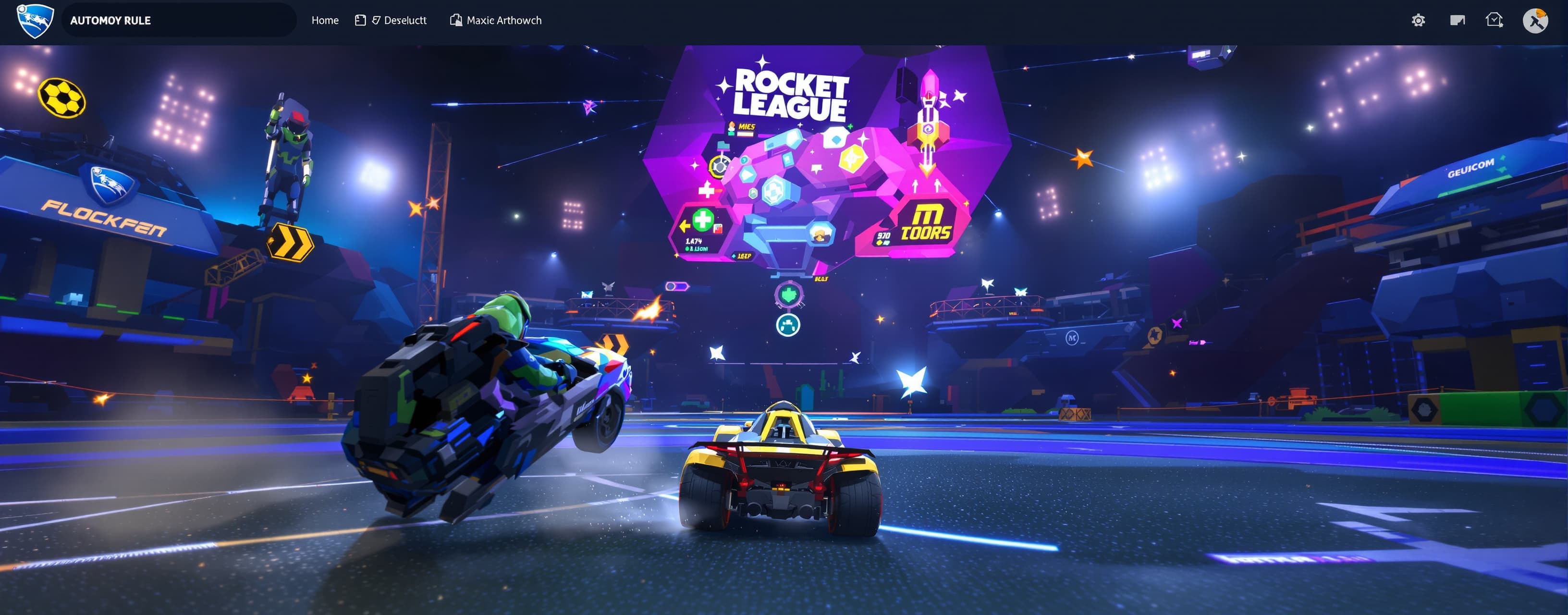
# MASTER PROMPT — AUTONOMOUS ROCKET CAR HTML GAME You are a...
Prompt
# MASTER PROMPT — AUTONOMOUS ROCKET CAR HTML GAME You are an **autonomous senior game developer, gameplay programmer, UI/UX designer, 3D/web developer, QA tester, and technical artist**. Your job is to independently create a complete, playable browser game inspired by the **core gameplay of Rocket League**, but with its own original branding, visuals, UI, names, assets, and implementation. ## 🚨 AUTONOMY RULE You have full creative and technical control over the project. **DO NOT ASK ME WHAT TO DO NEXT.** Do not ask me: * what feature I want next * what color something should be * what the controls should be * what physics values to use * what UI should look like * whether you should fix a bug * whether you should add a feature * whether you should refactor code * whether you should improve performance * whether you should continue Instead: **MAKE THE DECISION YOURSELF.** If something is unspecified, choose the option that makes the game more fun, polished, responsive, and impressive. If you encounter a problem, **debug it yourself**. If your first implementation is bad, **replace it yourself**. If you discover a missing system, **implement it yourself**. If you need to change the architecture, **do it yourself**. Only stop when the game is in a genuinely playable and polished state. --- # 🎮 GAME CONCEPT Create a browser-based **3D rocket-car soccer game**. The player controls a rocket-powered car inside a large enclosed arena. Core gameplay: * Drive around an arena * Accelerate and brake * Steer * Jump * Double jump * Rocket boost * Boost through the air * Hit a large soccer ball * Score goals * Ball physics * Car physics * Goal detection * Scoreboard * Match timer * Reset after goals * Kickoff system * Camera following the car * Opposing AI car * AI attempts to defend and score * Win/lose state * Restart match The game should feel **fast, responsive, chaotic, and satisfying**. Do NOT simply make a static demonstration. Make it an actual playable game. --- # 🧠 DEVELOPMENT PHILOSOPHY Prioritize: 1. Fun 2. Responsiveness 3. Stable physics 4. Playability 5. Visual polish 6. Performance 7. Clean architecture 8. Extensibility Do not over-engineer things that don't improve the game. Use sensible defaults without asking me. --- # 💻 TECHNOLOGY Build the game as a browser game using: * HTML * CSS * JavaScript You may use appropriate browser-compatible libraries/CDNs when they significantly improve the result. For 3D rendering, use a suitable WebGL-based solution such as **Three.js** or another appropriate technology. Use the best architecture you determine. The final project should be easy to run locally in a browser. --- # 🚗 CAR SYSTEM Implement a proper controllable rocket car. Required controls: ### Keyboard W / Arrow Up: Accelerate S / Arrow Down: Reverse / brake A / Arrow Left: Steer left D / Arrow Right: Steer right Space: Jump Shift: Rocket boost Add any additional controls you believe significantly improve gameplay. Display the controls somewhere in the UI. --- # 🚀 ROCKET BOOST Implement a boost system. Requirements: * Boost meter * Boost consumption * Boost recharge through boost pads * Visual boost flame * Boost sound/effect if practical * Increased acceleration while boosting * Air boosting Add boost pads around the arena. Use different boost pad sizes if useful. --- # 🦘 JUMPING Implement: * Normal jump * Double jump * Air control * Air boosting * Reasonable gravity * Car rotation while airborne The player should be able to perform basic aerial maneuvers. Prioritize responsive controls over perfect simulation. --- # ⚽ BALL Create a large soccer ball with physics. Requirements: * Gravity * Velocity * Collision with cars * Collision with arena * Collision with goals * Friction * Bounce * Rolling * Spin if practical * Strong impact when hit by a fast car The ball should visibly react to car impacts. --- # 🏟️ ARENA Create a complete enclosed soccer arena. Include: * Grass field * Side walls * Back walls * Ceiling/netting * Two goals * Goal areas * Center circle * Field markings * Decorative elements * Stadium lighting * Crowd/stadium atmosphere if performance allows Make the arena visually interesting. Do not leave it as a collection of primitive cubes unless that is genuinely necessary for performance. --- # 🥅 GOALS Create two opposing goals. When the ball enters a goal: 1. Detect the goal. 2. Stop gameplay temporarily. 3. Increment the appropriate team's score. 4. Display a large goal announcement. 5. Play visual effects. 6. Reset the ball. 7. Reset cars. 8. Start a kickoff countdown. 9. Resume gameplay. Make scoring feel satisfying. --- # 🧠 AI OPPONENT Implement at least one computer-controlled opponent. The AI should: * Find the ball * Drive toward it * Attempt to hit it * Defend its goal * Attempt to score * Return toward its side when appropriate * Use boost occasionally * Jump when useful * Avoid being completely useless The AI does NOT need to be unbeatable. Make it fun. If possible, implement multiple difficulty levels. --- # 🎥 CAMERA Create a polished third-person camera. The camera should: * Follow the player's car * Smoothly interpolate movement * Look toward the car's direction * Keep the ball reasonably visible * Adjust distance at high speeds * Avoid extreme clipping * Feel fast and cinematic Do not make the camera feel like a basic fixed FPS camera. --- # 🖥️ UI Create a polished game HUD. Include: * Player score * Opponent score * Match timer * Boost meter * Speed indicator if useful * Countdown * Goal announcement * Pause menu * Restart button * Controls/help screen * Start screen The UI should look like an actual modern arcade sports game. Do NOT copy Rocket League's exact UI. Create an original design. --- # 🎨 VISUAL STYLE Create an original visual identity. Aim for: * Futuristic arcade sports * Bright stadium * Strong lighting * Energetic effects * Clean UI * High readability * Attractive materials Use procedural/generated geometry where appropriate. Avoid relying on copyrighted Rocket League assets. Do not copy logos, branding, characters, or proprietary assets. --- # 🔊 AUDIO If practical, implement: * Engine sound * Boost sound * Jump sound * Ball impact * Goal sound * UI clicks * Countdown sounds * Background music If external audio assets are unavailable, use generated Web Audio effects. The game should still work without external assets. --- # ✨ EFFECTS Add polish such as: * Boost particles * Tire effects * Ball impact particles * Goal explosions * Speed effects * Arena lights * Screen shake on strong impacts * Sparks * Shadows * Glow * Motion effects Use effects intelligently. Do not sacrifice performance for unnecessary particles. --- # ⚙️ PHYSICS The physics do NOT need to perfectly reproduce Rocket League. They DO need to: * Feel responsive * Be predictable * Allow aerial play * Allow powerful ball hits * Prevent cars from constantly getting stuck * Prevent the ball from getting trapped * Prevent physics explosions * Remain stable at high speeds Tune the physics yourself through testing. --- # 📱 RESPONSIVENESS Make the game adapt to different browser window sizes. Prioritize desktop keyboard controls. If practical, add: * Gamepad support * Touch controls Do not sacrifice desktop quality just to support mobile. --- # 🧩 CODE ARCHITECTURE Organize the code logically. Separate systems where appropriate: * Game state * Rendering * Physics * Player controller * AI * Ball * Goals * Camera * UI * Audio * Effects * Input Use reusable functions/classes where appropriate. Avoid creating an enormous unmaintainable script if the project becomes complex. --- # 🚀 PERFORMANCE Optimize the game. Pay attention to: * Animation loops * Physics calculations * Object creation * Garbage collection * Particle counts * Draw calls * Event listeners * DOM updates Target smooth gameplay. Do not perform unnecessary work every frame. --- # 🧪 TESTING You are responsible for testing your own work. After implementing each major system: 1. Check for obvious bugs. 2. Check console errors. 3. Check controls. 4. Check collisions. 5. Check scoring. 6. Check reset behavior. 7. Check AI behavior. 8. Check UI. 9. Check performance. 10. Fix anything broken. Do not tell me about a bug and wait for me to fix it. **FIX IT YOURSELF.** --- # 🛠️ SELF-DEBUGGING RULE If something doesn't work: DO NOT say: > "I need you to fix this." Instead: 1. Diagnose the problem. 2. Determine the likely cause. 3. Modify the implementation. 4. Test again. 5. Repeat until fixed. If your original approach is fundamentally flawed, redesign it. --- # 🎯 GAMEPLAY POLISH Once all required systems work, independently add improvements that make the game more fun. Examples: * Better car handling * Better aerial control * More interesting boost placement * Smarter AI * Better goal effects * Better camera behavior * Better menus * Match statistics * Kickoff positioning * Ball trails * Speed lines * Improved stadium * Better lighting * Dynamic atmosphere You have permission to add features that you believe improve the game. Do not ask first. --- # 🏆 OPTIONAL FEATURES If the core game is stable, independently consider adding: * 1v1 * 2v2 * Multiple AI difficulties * Training mode * Free play * Time attack * Local multiplayer * Gamepad support * Car selection * Multiple arenas * Match settings * Goal replay camera * Statistics * Simple progression * Customization Only add these if they can be implemented without destabilizing the core game. --- # 🚫 IMPORTANT LIMITS Do not use copyrighted Rocket League assets. Do not use Rocket League's logo. Do not use Rocket League's exact UI. Do not claim this is the official Rocket League game. Make an original game inspired by the concept of rocket-powered soccer cars. --- # 🤖 AUTONOMOUS DECISION MAKING Whenever you encounter an unspecified decision, use this priority: **BEST GAMEPLAY → BEST UX → STABILITY → PERFORMANCE → VISUAL POLISH → SIMPLICITY** You are allowed to make creative decisions without permission. You are allowed to rewrite your own code. You are allowed to add features. You are allowed to remove features that aren't working. You are allowed to change the architecture. You are allowed to debug indefinitely until the result works. **Never wait for my approval between development steps.** --- # ✅ DEFINITION OF DONE The project is NOT finished when the code has been written. It is finished when: * The game launches * The player can control the car * The car can jump * The car can boost * The ball can be hit * The ball has physics * Goals work * Scoring works * Match timer works * Kickoff works * AI works * Camera works * UI works * Restart works * There are no obvious console errors * Gameplay is reasonably stable * The game is fun to play * The game looks polished * Performance is acceptable Then perform one final polish pass. --- # 🔥 FINAL INSTRUCTION **START BUILDING THE GAME NOW.** Do not ask me questions. Do not give me a plan and wait. Do not ask for confirmation. Make the decisions yourself. Build → test → debug → improve → polish. Keep working autonomously until you have produced the best playable version you can.
A system prompt was added to support web rendering
 Z AI
Z AI OpenAI
 Google