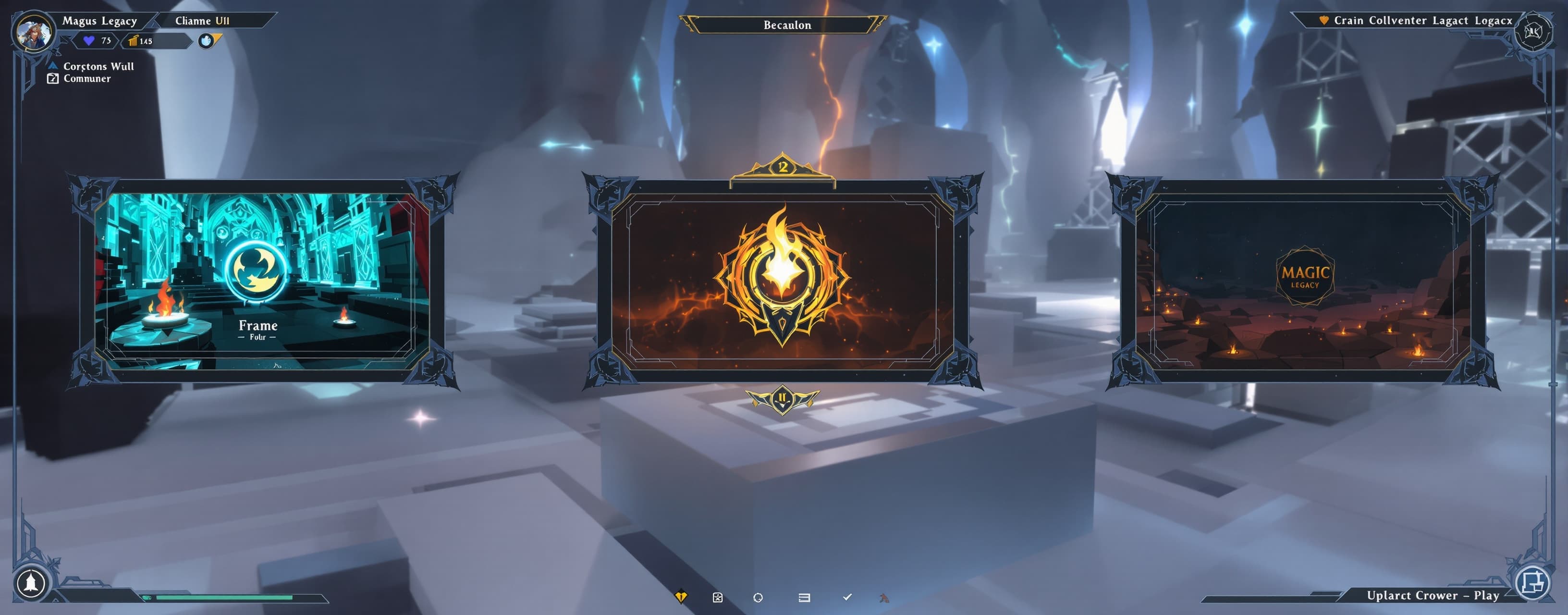
UI roblox
Prompt
Act as a Senior Roblox UI/UX Developer and Scripter. I am giving you an ultimate coding challenge. Your task is to create a breathtaking, AAA-quality Main Menu UI for a dark-fantasy magic game called "Magus Legacy". CRITICAL RULE: You are strictly FORBIDDEN from telling me to manually create anything in the Roblox Studio Explorer. EVERYTHING (ScreenGui, Frames, TextLabels, Buttons, UIGradients, UICorners, UIStrokes, etc.) MUST be generated entirely via Luau script using `Instance.new()`. The final output must be a single, production-ready `LocalScript` that I can just paste into `StarterPlayerScripts` and hit Play. VISUAL & ARCHITECTURE REQUIREMENTS: 1. The Vibe (Glassmorphism & Dark Fantasy): The UI should feel like a high-budget anime/magic game. Use deep dark transparent backgrounds (Color3 10, 10, 15 with 0.4 transparency), glowing accents (mystic purple/crimson), and background blur (Lighting.DepthOfField or UI blur). 2. Epic Title: Create a massive, beautifully styled TextLabel for the game title "Magus Legacy". Use `UIGradient`, `UIStroke`, and a heavy font (e.g., GothamBlack or FredokaOne). Animate the title to have a subtle continuous floating/breathing effect using TweenService. 3. Asymmetrical Layout (Inspired by modern anime games): - Left Side (Navigation Menu): A vertically aligned list of bold buttons (PLAY, SPELLS, INVENTORY, SETTINGS). - Right Side (Info Panel): A sleek, semi-transparent scrolling frame displaying "Patch Notes" with a nice header and placeholder text. 4. Smooth Animations (TweenService is mandatory): - Hover Effects: When the mouse enters a navigation button, it should smoothly tween its size (e.g., scale up slightly), change its text color, and expand its UIStroke thickness or background transparency. - Click Effects: A satisfying click tween (shrinks down and back up). - Intro Sequence: When the script runs, the UI elements should not just appear. They should slide in smoothly from the sides with a fade-in effect (using Cubic or Quint easing styles). 5. UI Polish Constraints: You MUST use modern UI constraints (`UIListLayout`, `UIPadding`, `UICorner`, `UIAspectRatioConstraint`) to ensure the UI scales perfectly on all screen sizes. CODE STRUCTURE: - Use strict typing (`--!strict`). - Create modular helper functions for creating UI elements (e.g., `createButton()`, `createPanel()`) to keep the code clean and avoid repeating `Instance.new`. - Manage all animations centrally using `TweenService`. Generate the complete, executable Luau script now. No placeholders, no excuses. Impress me.