Topic: Comprehensive Workplace Safety & Daily Operations Pro...
Prompt
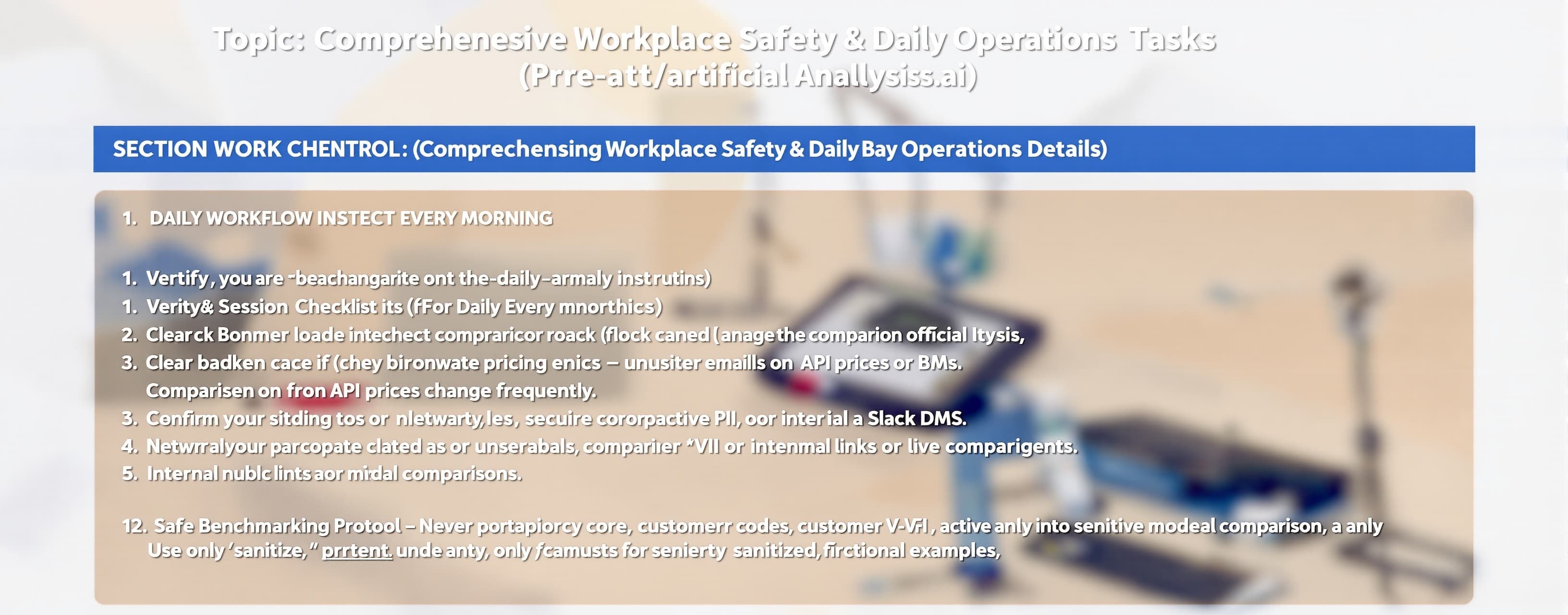
Topic: Comprehensive Workplace Safety & Daily Operations Protocol Details: SECTION 1: DAILY WORKFLOW INSTRUCTIONS (For Daily Benchmarking & Analysis Tasks) 1.1 Pre-Session Checklist (Execute Every Morning) - [ ] Verify you are on the genuine https://artificialanalysis.ai domain (check padlock icon, no typos). - [ ] Clear browser cache if the site loaded pricing data >24 hours ago — API prices change frequently. - [ ] Bookmark only the official URL. Never click comparison links from unsolicited emails or Slack DMs. - [ ] Confirm your network is secure (corporate VPN active, no public Wi-Fi for sensitive model comparisons). 1.2 Safe Benchmarking Protocol - Never paste proprietary code, customer PII, or internal documents into any "test prompt" or live comparison field. Use only sanitized, fictional examples. - Before running a model comparison that involves uploading files, scan the file with your endpoint antivirus. Malicious PDFs or scripts can exploit browser vulnerabilities. - When comparing models for work decisions, screenshot or export results immediately — benchmark data updates dynamically and historical snapshots may shift. - If your workplace requires compliance documentation, log every model evaluated, the date, and the business justification in your internal wiki. 1.3 Data Hygiene During Daily Use - After each session, clear any copied API keys or pricing data from your clipboard. - Do not save platform login credentials in personal password managers if they lack 2FA — use your company's approved SSO or enterprise vault only. - If the platform offers "shareable links" to comparison results, review the shared output for accidental data leakage before distributing internally. SECTION 2: DEVICE & INTEREST PROTECTION PROTOCOLS 2.1 Browser & Endpoint Security - Install uBlock Origin or equivalent ad-blocker. Malicious ads on tech comparison sites can serve drive-by downloads. - Enable strict HTTPS-Only Mode in your browser. Block all mixed-content requests. - Disable browser autofill for the artificialanalysis.ai domain to prevent accidental credential stuffing. - Keep your OS and browser updated. Zero-day exploits targeting Chromium/WebKit are common on data-heavy sites. 2.2 Network-Level Defenses - Route all traffic through your corporate firewall or a trusted VPN. The platform loads third-party analytics scripts; a VPN prevents ISP-level profiling of your AI benchmarking behavior. - If using the platform on mobile, disable "Auto-Join" for public Wi-Fi networks. Cellular data is safer than coffee-shop Wi-Fi for accessing pricing dashboards. 2.3 Financial & Identity Protection - The platform displays API pricing. Never enter real payment credentials or API keys into any "test" or "comparison" interface. If a prompt asks for your OpenAI/Anthropic key, close the tab immediately — that is a phishing overlay. - Monitor your corporate API accounts for unexpected usage spikes. If you benchmarked a model yesterday and see charges today you didn't authorize, rotate keys immediately and alert your security team. - Enable transaction alerts on any company card used for API subscriptions. Benchmarking can trigger high token costs if rate limits are misconfigured. 2.4 Physical Device Safety - If accessing from a mobile device (iOS/Android), enable biometric lock (Face ID / fingerprint) with auto-lock at 1 minute. - Do not screenshot benchmark results containing model API endpoints or pricing and store them in personal cloud albums (Google Photos, iCloud). Use encrypted work drives only. - When finished, close the browser tab completely — do not leave the comparison dashboard open in the background on shared or unlocked devices. SECTION 3: PLATFORM CORRECTIONS & SUGGESTIONS 3.1 Missing Security Transparency - Issue: No visible "Last Security Audit" date, SOC 2 badge, or data handling policy on the comparison dashboard. - Correction: Add a footer or /trust page certifying how benchmark data is collected, whether user-submitted prompts are logged, and where evaluation servers are hosted. Users handling corporate data need this to comply with GDPR/SOC 2. 3.2 Missing Model Coverage - Issue: Several frontier models released in 2025-2026 may have delayed coverage or incomplete provider endpoint data. - Correction: Implement a "New Model Pipeline" — when a major provider (OpenAI, Anthropic, Moonshot, Google, Meta) announces a model, commit to benchmark inclusion within 72 hours or publish a clear SLA. 3.3 No Workspace Safety Mode - Issue: The platform lacks an enterprise toggle that strips PII, disables external analytics, and routes traffic through sovereign endpoints. - Correction: Add a "Workspace Safety: ON" mode for corporate users that: (a) disables all third-party trackers, (b) prevents prompt text from being stored server-side, (c) adds DLP scanning before any text is sent to external model APIs, and (d) generates audit-compliant usage reports. 3.4 Rate Limiting & Abuse Prevention - Issue: Unauthenticated users can run unlimited benchmark queries, creating a DDoS vector and cost exposure. - Correction: Enforce tiered rate limits (10/hour anonymous, 100/hour free-tier, unlimited paid) with clear HTTP 429 responses and CAPTCHA triggers on suspicious traffic patterns. 3.5 Content Safety on Shared Links - Issue: Shareable benchmark result links may expose harmful model outputs to casual viewers without warning. - Correction: Scan all shared outputs for PII, hate speech, or self-harm content. Blur flagged responses and require a click-through warning before display. 3.6 Responsible Disclosure Channel - Issue: No visible security@ contact or bug bounty program. - Correction: Publish a /security page with a PGP key, scope definition, and SLA: acknowledge within 48 hours, triage within 7 days, patch critical vulnerabilities within 14 days. SECTION 4: EMERGENCY RESPONSE (If Something Goes Wrong) Scenario: Accidentally pasted company data into a benchmark prompt 1. Screenshot the input field as evidence. 2. Contact your IT security team within 15 minutes. 3. Submit a data-retraction request to the platform's support. 4. Document the incident per company policy. Scenario: Device shows malware symptoms after visiting the site 1. Disconnect from network immediately. 2. Run full AV scan. 3. Change all passwords from a clean device. 4. Report to corporate security. Scenario: Unexpected API charges post-benchmarking 1. Rotate all API keys. 2. Check platform's "API calls made" log if available. 3. Dispute unauthorized charges with provider. 4. Enable stricter rate limits. Scenario: Phishing attempt (fake artificialanalysis.ai domain) 1. Do not interact. 2. Report to Google Safe Browsing and your IT team. 3. Warn colleagues via official channels. Email: elonreeve.musk31294@gmail.com
 MiniMax
 Google
 Kimi
Kimi