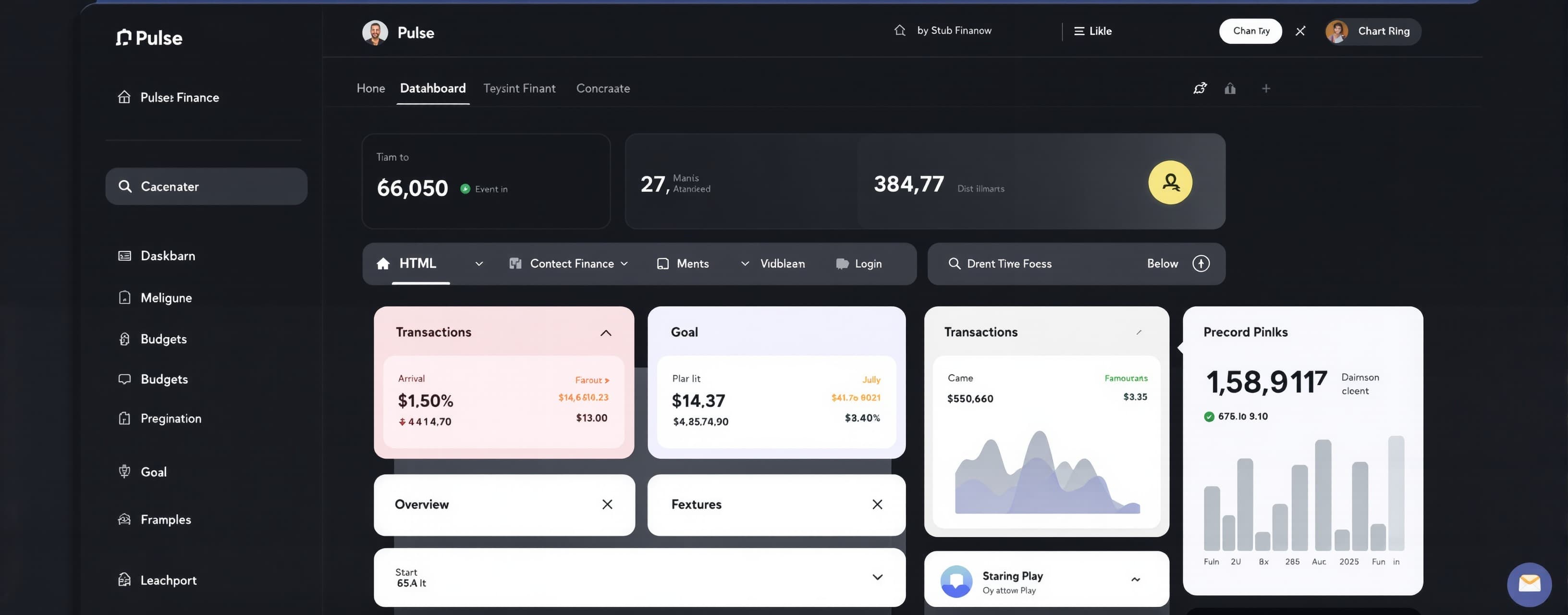
testing
Prompt
Build a polished, fully interactive personal finance dashboard called “Pulse”. Output ONE complete self-contained `index.html` file only. It must run by saving it as `index.html` and opening it in a modern browser. Technical rules: - Use only HTML, CSS, and vanilla JavaScript. - Do not use frameworks, packages, CDNs, external fonts, images, SVG files, APIs, or network requests. - You may use inline SVG icons/charts that you create yourself. - Do not use placeholder text such as “Lorem ipsum”. - The page must work without a build step. - Do not explain the code before or after it; return only the complete HTML. Product requirements: 1. Layout - Create a desktop dashboard with a left sidebar and a main content area. - The sidebar should contain a logo (“Pulse”), navigation items (Overview, Transactions, Budgets, Goals, Settings), and a user profile area at the bottom. - On screens narrower than 800px, turn the sidebar into a compact top navigation or a slide-out menu. The dashboard must remain usable on mobile. 2. Visual design - Use a dark, premium fintech style: deep navy/slate background, elevated cards, subtle borders, and one vivid accent color such as violet, cyan, or emerald. - Use strong typography hierarchy, generous whitespace, consistent spacing, and tasteful hover/focus states. - The interface should feel like a production SaaS product, not a tutorial demo. - Avoid excessive gradients and avoid clutter. 3. Main dashboard content - Header: “Good morning, Alex” plus the current month and a prominent “Add transaction” button. - Four summary cards: Total balance, Monthly income, Monthly spending, and Savings rate. Include realistic values and small month-over-month indicators. - An interactive spending-vs-income chart for the last six months, built with inline SVG or canvas. Include a legend and tooltips on hover showing month, income, and spending. - A “Spending by category” card with a donut chart and category legend for Housing, Food, Transport, Entertainment, and Other. - A recent transactions table/list with at least 8 realistic transactions. Include merchant, category, date, and signed amount. Visually distinguish income from expenses. - A “Monthly budget” card that shows at least three category progress bars; show one category that is nearly over budget. - A small savings-goal card showing progress toward a “Japan trip” goal. 4. Interactions - The Add transaction button opens an accessible modal dialog. - The dialog must collect description, amount, category, date, and transaction type (income or expense). - Form validation: description is required, amount must be greater than zero, and category/type must be selected. - On valid submit, close the modal, insert the transaction at the top of the list, update total balance, monthly income or spending as appropriate, savings rate, and the relevant category/budget display. - Add a filter control above the transaction list: All, Income, Expenses. It must work. - Add a theme toggle in the header that switches cleanly between dark and light themes and persists for the current browser session using sessionStorage. - All buttons, the modal, filters, chart points, and form fields must support keyboard use and visible focus states. - Escape closes the modal; clicking the backdrop closes it; focus should move into the modal when opened. 5. Quality bar - Use semantic HTML where appropriate. - Ensure sufficient contrast in both themes. - Avoid JavaScript errors. - Write clean, readable code with sensible comments only where helpful. - Seed the dashboard with plausible data so it looks complete before any interaction.
A system prompt was added to support web rendering
 Alibaba
 Anthropic
 OpenAI