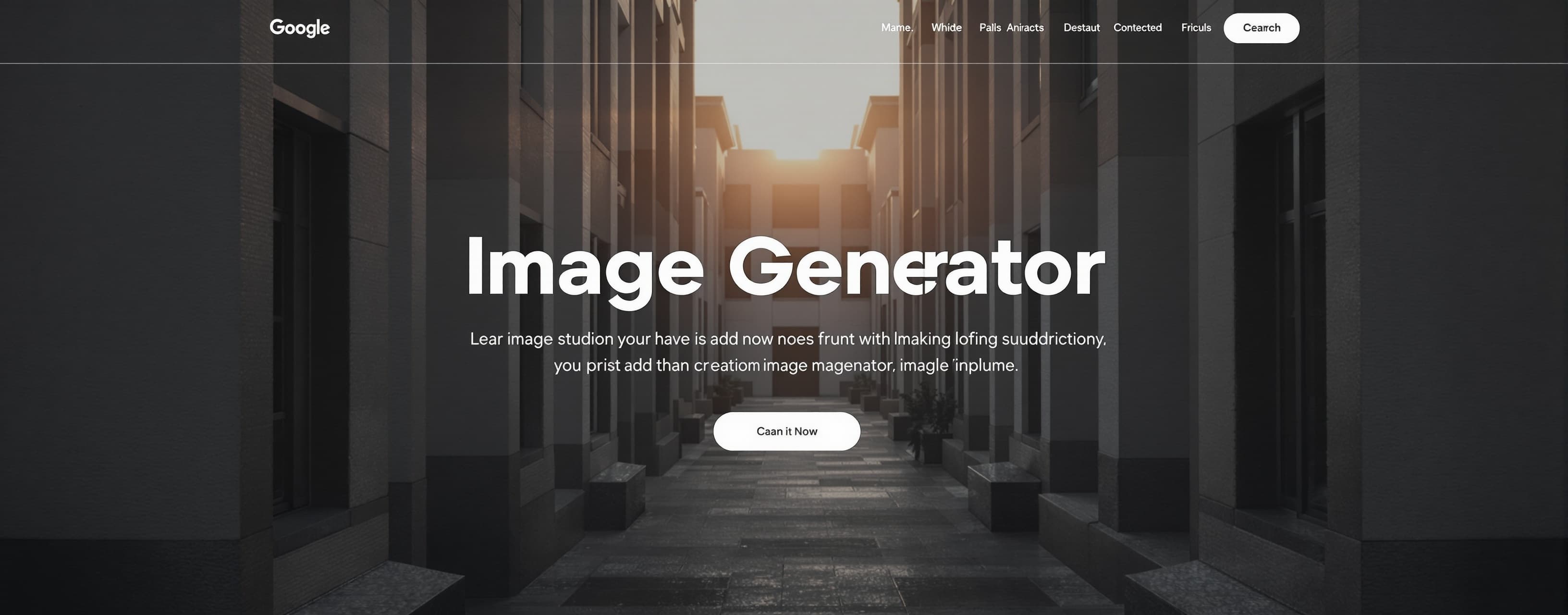
Image Generator
Prompt
Create a premium single-page image generation web application contained entirely within one HTML file with embedded CSS and JavaScript. The interface should follow a modern editorial design system inspired by Swiss typography, Apple Human Interface guidelines, Linear, Monograph, and high-end creative tooling dashboards. The design must be restrained, architectural, and highly readable. Avoid flashy aesthetics. No heavy glassmorphism. Subtle frosted surfaces are allowed only in minimal form. This is a professional image generation studio, not a website. ⸻ Core Purpose A controlled image generation workspace that allows users to: * Generate images from prompts. * Edit existing images using image-based refinement. * Manage full generation history. * Control output resolution, aspect ratio, and orientation. * Monitor generation progress through a dedicated animation system. * Configure API access via a user-provided key. ⸻ API Architecture (IMPORTANT) The API endpoint is FIXED and must be hardcoded in the application: https://sadai.cc The user must NOT change the endpoint. However, the UI must include an API configuration field: * API Key input (user-provided) * Stored locally (no external exposure beyond request payload) * Used in all generation and edit requests Requests must include: * prompt * api_key (from UI field) * resolution * aspect ratio * orientation * optional reference image (for editing) Editing mode must also append an internal system instruction (hidden from UI): “User is editing an existing image. Preserve composition, style, and structure unless explicitly changed.” This instruction must NEVER be shown in the interface. ⸻ Layout Philosophy Use a two-panel editorial system: Left panel (Control Surface): * Prompt input * API key input (required field) * Quality selector * Aspect ratio selector * Orientation toggle * Generate / Edit actions Right panel (Output Surface): * Active image preview * Generation animation state * Final output display * Edit workflow entry point Bottom panel: * Generation history timeline (chronological visual log) The interface must feel like a precision creative instrument. ⸻ Visual Style Editorial, restrained, and highly structured. * Swiss grid system * Apple-grade UI discipline * Subtle layering * Soft shadows (minimal) * Light frosted panels (rare, controlled use) * Neutral background palette Avoid: * Neon accents * Cyberpunk styling * Heavy blur/glass effects * Decorative overload * Distracting animations ⸻ Typography System * Inter * SF Pro Display * Neue Haas Grotesk Rules: * Strong typographic hierarchy * Precise alignment * Uppercase metadata labels * Clear section separation * Editorial spacing rhythm * High readability priority ⸻ Core Features 1. Generation History System Maintain full chronological history of all outputs. Each item must include: * Thumbnail preview * Prompt * Timestamp * Configuration snapshot (quality, aspect ratio, orientation) * API usage indicator * Edit button History must behave like a structured creative log, not a simple list. ⸻ 2. Edit System (Image Refinement Workflow) Each generated image can be re-edited. Workflow: * User selects image from history or preview. * Image is sent as reference input. * User provides new prompt. * System sends both image + prompt to API. Internal hidden behavior: * Append system-level instruction: “User is editing an existing image. Preserve composition, style, and structure unless explicitly changed.” This must remain invisible to the user. Editing must preserve visual continuity unless explicitly overridden. ⸻ 3. Generation Loading State While generating: * Replace preview with a controlled animation state. * Use: * Soft morphing gradient fields * Subtle geometric transformation * Blur-to-focus transition * Slow procedural motion Avoid spinners or progress bars. The animation should feel like computational rendering. ⸻ 4. Quality Selector Presets: * 1K * 2K * 4K Resolution mapping: Widescreen (16:9 / 9:16) * 1K: 1280×720 / 720×1280 * 2K: 2048×1152 / 1152×2048 * 4K: 3840×2160 / 2160×3840 Standard (4:3 / 3:4) * 1K: 1280×960 / 960×1280 * 2K: 2048×1536 / 1536×2048 * 4K: 3312×2480 / 2480×3312 Square (1:1) * 1K: 1280×1280 * 2K: 2048×2048 * 4K: 2880×2880 ⸻ 5. Aspect Ratio Selector Supported ratios: * 16:9 * 4:3 * 1:1 Behavior: * Dynamically updates resolution mapping. * Ensures consistency across generation and editing. ⸻ 6. Orientation Control Toggle: * Landscape * Portrait Rules: * Portrait swaps width/height values. * Square mode ignores orientation. ⸻ Interaction Design All interactions must feel precise and professional: * Smooth easing transitions * No abrupt UI changes * Subtle hover feedback * Inline state updates * Controlled motion hierarchy The UI should feel like a high-end creative instrument. ⸻ System Behavior Rules * Every generation is stored permanently in history. * Editing always creates a new output entry. * No destructive updates. * UI always reflects latest state. * Settings are persistent per session. ⸻ Final Rule The application must feel like a professional-grade AI image laboratory. It should communicate: precision, control, and creative authority through a calm, editorial, Swiss-designed interface.
A system prompt was added to support web rendering
 Google
 OpenAI
 MiniMax
 AnthropicOpenAI
Response not available