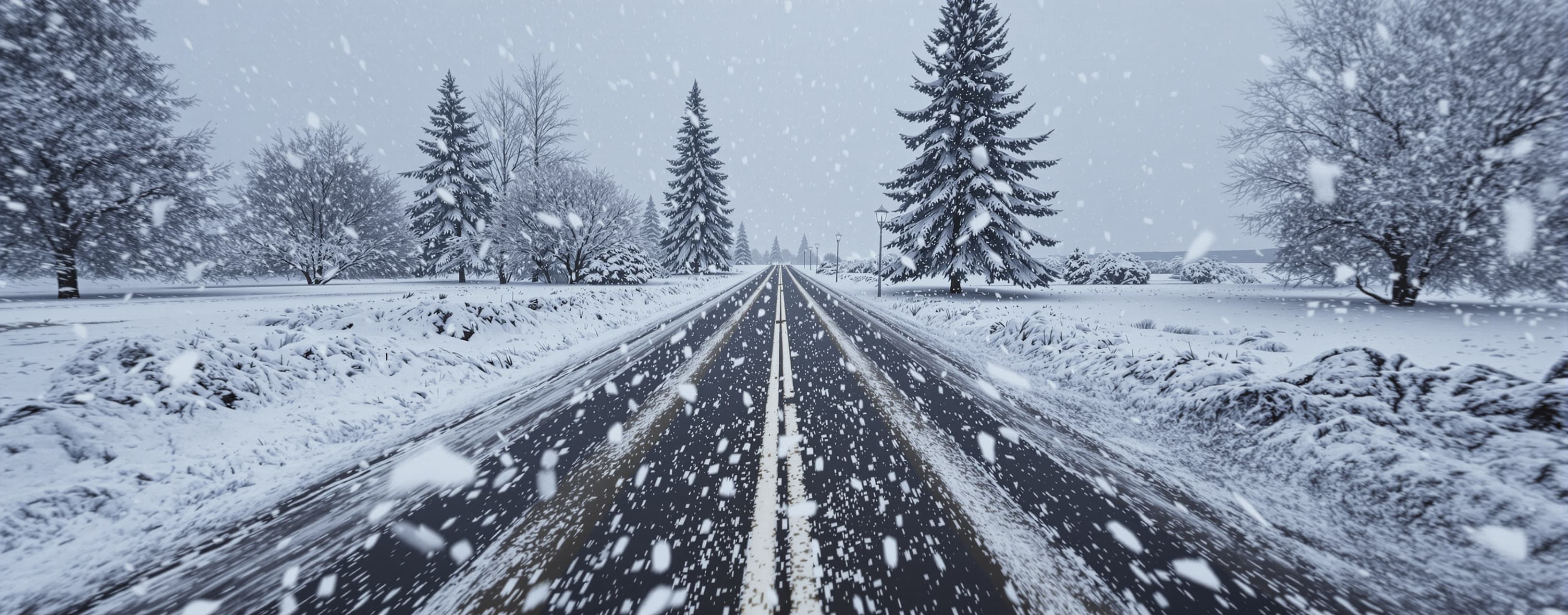
Hyper-Realistic Interactive Blizzard Simulator
Compare models on their ability to design and implement a photorealistic, browser-based first-person snowstorm simulation with physically responsive weather controls.
Prompt
Build a hyper-realistic, interactive first-person blizzard/snowstorm simulator for a modern web browser. The goal is to make the viewer feel like they are physically standing outside during a real major snowstorm—not looking at a generic particle animation, snow globe, or video-game effect. Create the implementation, not merely a description or mockup. VISUAL SCENE Use a first-person, eye-level POV looking into a realistic snow-covered outdoor environment. Include: - Snow-covered ground with subtle uneven accumulation/drifting - Distant trees and terrain - Overcast winter sky - Atmospheric perspective - Windblown surface snow - Multiple depth layers of falling/blowing snow - Very subtle organic camera movement Realism is the highest priority. SNOW PHYSICS Render snow in at least three perceptual depth layers: 1. NEAR CAMERA Large flakes/aggregates occasionally cross very close to the viewer. Vary size, shape, opacity, focus, orientation, velocity, and trajectory. Strong wind should create convincing motion streaks/blur. 2. MID-DISTANCE This should contain most visible snowfall. Snow should fall under gravity while responding to wind and turbulent gusts. Do not make particles move in perfectly parallel lines. 3. DISTANT Very small, dense snow should progressively merge into an atmospheric veil. At high snowfall rates, distant scenery should disappear naturally into the storm. Also simulate BLOWING GROUND SNOW. Strong winds should lift loose snow near the surface and create streaking/drifting snow. Do not represent snow as identical white circles. ATMOSPHERIC VISIBILITY Snow intensity must affect the atmosphere, not merely particle count. Increasing storm severity should progressively: - Reduce horizon contrast - Fade distant objects - Increase atmospheric extinction/scattering - Blend the ground and sky - Increase near-camera visual dominance - Reduce effective visibility Maximum snow + maximum wind should approach a convincing whiteout. Do NOT create whiteout by simply placing a translucent white overlay over the screen. CONTROLS Create an elegant, compact, translucent/frosted-glass control bar along the bottom of the scene. It must work well on desktop and mobile. Include: SNOW RATE Continuous slider from 0.1–5.0 inches/hour. Display the numerical value. Increasing snow rate should affect: - Particle density - Atmospheric visibility - Distant extinction - Near/mid/far snow populations - Apparent accumulation/blowing snow SNOWFLAKE SIZE Continuous slider from Fine → Normal → Large/Aggregate. Change the particle-size DISTRIBUTION rather than uniformly scaling every flake. WIND Continuous slider from 0–60 mph. Display the numerical value. Wind should affect: - Horizontal snow velocity - Falling angle - Turbulence - Gustiness - Ground blowing snow - Motion streaking - Visibility Wind must contain randomized gust cycles rather than remain constant. DAY / NIGHT Toggle between DAY and NIGHT. The transition should animate smoothly. Day: - Diffuse overcast winter light - Gray-white sky - Cold natural lighting - Low-contrast snowstorm atmosphere Night: - Truly dark environment - Subtle ambient illumination - Strong depth falloff - Nearby flakes intermittently catching light - Significantly reduced distant visibility Night must NOT simply be daytime with a dark overlay. SOUND Toggle SOUND ON/OFF. Default OFF because of browser autoplay restrictions. Create a convincing storm soundscape using procedural Web Audio where practical: - Wind - Gusts - Low-frequency rumble - Blowing-snow ambience Audio intensity should respond dynamically to the wind slider and individual gusts. WEATHER INTERACTION The controls must interact physically rather than acting as independent visual filters. For example: 4 in/hr snow + 5 mph wind = extremely dense, predominantly vertical snowfall. 4 in/hr snow + 50 mph wind = near-horizontal turbulent snow, severe blowing ground snow, rapidly changing visibility, and near-whiteout conditions. 0.5 in/hr snow + 50 mph wind = relatively sparse falling snow but substantial blowing/drifting surface snow. GUST SYSTEM Generate stochastic gusts around the selected wind speed. During stronger gusts: - Horizontal particle velocity increases - Turbulence increases - Ground snow increases - Visibility temporarily decreases - Wind audio becomes louder Conditions should then gradually relax. Avoid obvious repetitive cycles. CALCULATED VISIBILITY Add a small readout showing estimated effective visibility in miles. Example: VISIBILITY 0.18 mi Visibility is NOT another user slider. Calculate it dynamically from snowfall intensity, wind/blowing snow, and gust state. It should respond smoothly as conditions change. CAMERA / IMMERSION Use an eye-level first-person perspective. Add extremely subtle organic camera motion from breathing/posture and occasional wind buffeting. Do not create continuous exaggerated game-like swaying. On desktop, allow subtle mouse look. On mobile, allow touch-drag look. Keep movement constrained so this remains an atmospheric POV rather than a first-person game. REALISM EFFECTS Where technically appropriate, use: - GPU particles - Instancing - Custom shaders - WebGL/WebGPU or Three.js - Depth-dependent fog/extinction - Motion blur/streaking - Depth of field - Atmospheric scattering - Surface blowing snow - Subtle exposure adaptation - Occasional flakes extremely close to the lens Avoid excessive bloom and cinematic effects that make the simulation less realistic. PERFORMANCE Target approximately 60 FPS on modern desktop hardware while remaining usable on current mobile devices. Use adaptive rendering. If performance drops: 1. Reduce distant particle complexity first 2. Preserve atmospheric extinction 3. Preserve near-camera flakes 4. Preserve blowing snow 5. Dynamically reduce rendering resolution/device pixel ratio if necessary Do not make the storm appear sparse merely to maintain performance. UI The environment should occupy essentially the entire viewport. The bottom control panel should be visually secondary to the storm. Desktop: Snow Rate | Snowflake Size | Wind | Day/Night | Sound Mobile: Reflow intelligently into a compact touch-friendly layout. Show numerical values such as: SNOW 2.4 in/hr WIND 37 mph VISIBILITY 0.18 mi Use a sophisticated meteorological aesthetic, not a game HUD. DEFAULT STATE Start with: Snow Rate: 2.0 in/hr Snowflake Size: Normal Wind: 30 mph Time: Day Sound: Off QUALITY STANDARD The visual reference in your head should be: "A person standing outside recording a major Northeast U.S. blizzard." The simulation should derive realism primarily from atmospheric extinction, depth, variable contrast, turbulent wind, blowing ground snow, irregular particle trajectories, lighting, and changing visibility—not simply from increasing particle count. Before finishing, test: - All controls - Extreme whiteout conditions - Light snowfall - Heavy snow with low wind - Light snow with extreme wind - Day/night transition - Sound response - Gust behavior - Visibility calculation - Mobile layout - Rendering performance Spend a final pass specifically removing anything that makes the experience look like a generic browser particle demo. Return a complete, runnable implementation with all required files/code and concise instructions for running it.
A system prompt was added to support web rendering
Answer guidance
The strongest answer should provide a complete runnable implementation, not merely describe one. Prioritize: 1. Photorealistic appearance and atmospheric depth 2. Convincing multi-layer snow physics 3. Snow-rate/wind/gust interactions 4. Real visibility degradation rather than a white overlay 5. Blowing ground snow 6. Functional Snow Rate, Flake Size, Wind, Day/Night, and Sound controls 7. Dynamically calculated visibility 8. Responsive mobile design 9. GPU-efficient rendering 10. Clean, maintainable implementation Penalize solutions that rely primarily on CSS snow, identical particle sprites, simple white dots, static backgrounds, white opacity overlays for visibility, or controls that only cosmetically change the scene. The result should look like real severe-winter-weather footage rather than a game or particle demonstration.
 OpenAI
 Google
 Anthropic
Response not available
 DeepSeek
 SpaceXAI