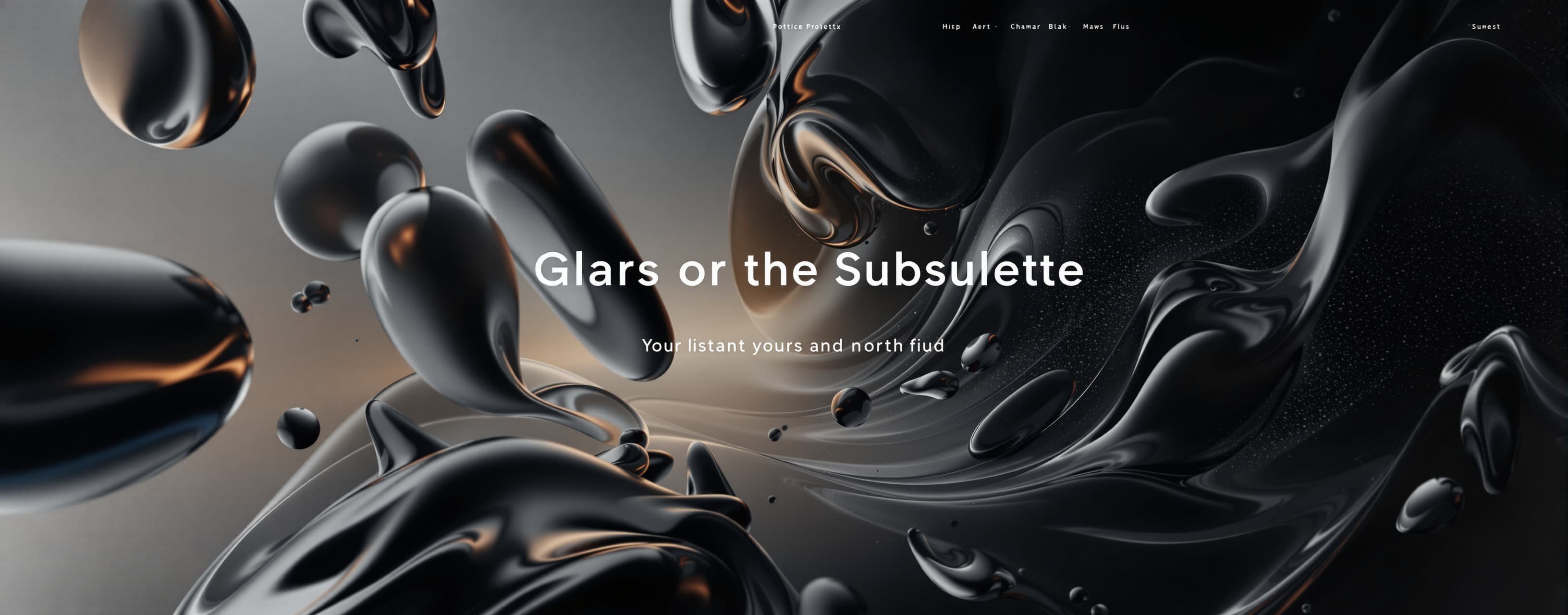
Create a premium, cinematic, highly interactive personal por...
Prompt
Create a premium, cinematic, highly interactive personal portfolio website for SUHAIB. CORE IDEA: This must NOT feel like a normal portfolio/template. It should feel like an immersive digital experience. When someone visits, the reaction should be: “I came to see a portfolio, but somehow I explored an entire digital world.” DESIGN DIRECTION: - Ultra-premium black/dark interface. - Cinematic, futuristic, minimal but information-rich. - Use glassmorphism, liquid/glass 3D objects, metallic surfaces, subtle grain, reflections, soft glow and depth. - Typography should be elegant, modern and highly readable. - Thin borders, large typography, generous spacing and sophisticated grid layouts. - No generic startup-template appearance. - No personal photograph of Suhaib anywhere. Represent him through typography, abstract 3D objects, interactive graphics and visual storytelling. - Desktop should feel like a premium studio portfolio, while mobile must remain polished and usable. - Do not fill the website with meaningless decorative animations. Every major interaction should either reveal information, guide navigation or create visual storytelling. HERO: Create a powerful opening hero. Display: SUHAIB Main statement: “I DESIGN / EXPERIENCES / THAT STAY.” Supporting identity: “Digital Creator • Developer • Designer • Builder” Short description: “I turn ideas into digital experiences, products and experiments.” Add a premium “EXPLORE MY WORLD” CTA. Hero visual: Use an abstract black chrome/liquid/glass 3D sculpture instead of a human photo. INTERACTIONS: - Cursor-reactive 3D movement. - Subtle magnetic buttons. - Text reveal animation. - Smooth entrance animation. - Scroll indicator. - Hero elements react subtly to mouse movement. - On mobile, replace mouse interactions with touch-friendly movement. ABOUT / THE MIND BEHIND THE WORK: Create a large interactive section titled: “THE MIND BEHIND THE WORK” Introduce Suhaib as a creative technologist who enjoys turning ideas into websites, digital products, experiments and interactive experiences. Use interactive floating glass capsules/nodes containing: CREATIVITY IDEAS BUILDING UI/UX PROBLEM SOLVING EXPERIMENTATION PRODUCT THINKING Make these nodes interactive. Clicking/tapping each node should reveal a short piece of information instead of being decorative only. Example: CREATIVITY → “I like exploring unusual visual directions instead of stopping at the first idea.” BUILDING → “Ideas become valuable when they are turned into something people can actually use.” EXPERIMENTATION → “I constantly test new tools, technologies and ways of building.” PRODUCT THINKING → “I care about how an experience works, not just how it looks.” WHAT I DO: Create a premium interactive services section. Cards: 01 WEB DEVELOPMENT 02 CREATIVE DIRECTION 03 UI/UX & DIGITAL EXPERIENCES 04 CONTENT & MOTION 05 PRODUCT BUILDING 06 AI-POWERED EXPERIMENTS Each card must have hover/tap interactions and reveal: - what it means - what Suhaib does in this area - technologies/tools where relevant - a small animated visual Do NOT make the cards empty. MY TOOLKIT: Create an interactive technology ecosystem rather than a boring skills list. Include relevant technologies/tools such as: HTML CSS JavaScript React TypeScript Tailwind CSS Three.js GSAP Figma Photoshop After Effects Firebase Supabase Netlify AI tools Display them as connected floating elements around a central “SUHAIB / DIGITAL TOOLKIT” object. Hover/tap on each technology should reveal a short description of how it is used. JOURNEY: Create a cinematic interactive timeline titled: “THE JOURNEY SO FAR” Do not invent fake companies, clients, awards or fake employment history. Instead present Suhaib’s journey as a builder/creator: - learning web development - experimenting with design - building interactive websites - exploring AI-assisted development - creating digital products - developing CraftWorld - continuously experimenting with new ideas Make the timeline animated as the user scrolls. CRAFTWORLD — MAJOR FEATURE: CraftWorld must receive a large dedicated section because it is one of Suhaib’s important projects. Title: “CRAFTWORLD” Subtitle: “BUILDING THE TOOLS BEHIND THE IDEAS.” Explain: CraftWorld is Suhaib’s product/project ecosystem focused on creating useful digital tools and software experiences. Show concepts such as: - Billing - Expense Management - Employee Management - CRM - Business tools - AI-assisted future tools - productivity/product-building ecosystem Create an impressive interactive CraftWorld visualization. Possible interaction: A central 3D “CRAFTWORLD” core with connected modules around it. Modules: BILLING EXPENSES EMPLOYEES CRM AI TOOLS Clicking each module opens an information panel explaining its purpose. Include a “Explore CraftWorld” CTA. PROJECTS: Create a premium interactive project showcase. Do not invent fake client statistics. Use project categories such as: - CraftWorld - Portfolio / Digital Experiences - Creative Web Experiments - AI-assisted Projects - Interactive UI Concepts Each project should open into a detailed expandable panel/modal with: PROJECT CATEGORY ROLE TECHNOLOGY DESCRIPTION WHAT I BUILT WHY IT MATTERS Use abstract generated visuals instead of fake client photography. EXPERIMENT LAB: Add a section called: “THE EXPERIMENT LAB” This should feel playful and futuristic. Show interactive experiments such as: - cursor effects - liquid typography - magnetic buttons - 3D objects - scroll-based storytelling - animated grids - interactive particles - UI experiments Each experiment should actually respond to interaction. Include small labels explaining what the visitor is seeing. THOUGHTS / JOURNAL: Create a minimal journal section where Suhaib’s thoughts, ideas and observations can appear. Use cards such as: “BUILDING IS THINKING OUT LOUD.” “NOT EVERY IDEA NEEDS TO STAY AN IDEA.” “DESIGN SHOULD MAKE PEOPLE FEEL SOMETHING.” Cards can expand on click to show longer text. STATS / SIGNALS: Create an elegant section showing meaningful personal/project information without fake achievements. Examples: PROJECTS BUILT DIGITAL EXPERIMENTS TOOLS EXPLORED IDEAS IN PROGRESS If exact numbers are not provided, use labels such as: “ALWAYS EVOLVING” “CONTINUOUSLY BUILDING” instead of inventing statistics. ABOUT SUHAIB: Create a deeper interactive section. Heading: “WHO IS SUHAIB?” Explain that Suhaib is a young digital creator, developer, designer and builder interested in technology, creative interfaces, AI, digital products and experimentation. Emphasize: - curiosity - building - learning - experimentation - creativity - turning ideas into real experiences Do not make exaggerated professional claims. INTERACTIVE NAVIGATION: Navigation: HOME WORK SERVICES ABOUT JOURNAL CRAFTWORLD CONTACT Add smooth scrolling and active-section indicators. Create a custom hamburger/menu interaction on mobile. MOTION SYSTEM: This is extremely important. Add: - smooth page transitions - text split/reveal animations - staggered section entrances - scroll-triggered animations - parallax layers - horizontal scrolling moments where appropriate - image/3D object movement - magnetic buttons - hover distortion - glass reflections - subtle particle movement - cursor-following elements - number/text counters only when meaningful - smooth section transitions - animated timeline progression - interactive cards - modal transitions - subtle loading sequence Use GSAP/ScrollTrigger or an equivalent performant animation system where appropriate. Animations must feel premium and smooth, NOT excessive or childish. SCROLL EXPERIENCE: Scrolling should feel like moving through chapters of a digital world. Each section should have its own visual identity but still feel connected. Use pinned sections and scroll-driven storytelling where it genuinely improves the experience. INFORMATION RULE: This is extremely important: Do NOT create empty interactive elements. Whenever something looks clickable, hovering/clicking/tapping it must provide useful information, reveal content, open a panel, change the visualization or navigate somewhere. The portfolio must communicate who Suhaib is and what he builds, not just look beautiful. CONTACT: Create a premium final CTA: “LET’S BUILD SOMETHING WORTH REMEMBERING.” Include: Email: craftworldtool@gmail.com Buttons: START A PROJECT EXPLORE CRAFTWORLD CONTACT SUHAIB FOOTER: SUHAIB Digital Creator • Developer • Designer • Builder Include navigation and copyright. TECHNICAL REQUIREMENTS: - Fully responsive. - Desktop, tablet and mobile optimized. - Fast loading despite visual effects. - Avoid unnecessary huge assets. - Use lazy loading where appropriate. - Accessible buttons and navigation. - Keyboard-friendly where possible. - Respect prefers-reduced-motion. - No broken links. - No fake forms that appear functional but do nothing. - All navigation and interactive elements must work. - No console errors. - Clean component architecture. - Production-ready code. - Do not remove information just to simplify the design. FINAL EXPERIENCE: The finished website should feel like a mixture of: premium creative studio + futuristic personal portfolio + interactive digital laboratory + product showcase + CraftWorld ecosystem. The visual language should remain sophisticated, cinematic, dark, monochrome, metallic and futuristic. Most importantly: BUILD A REAL PORTFOLIO EXPERIENCE, NOT A STATIC MOCKUP. The visitor should understand: WHO SUHAIB IS, WHAT HE CAN BUILD, HOW HE THINKS, WHAT HE IS LEARNING, WHAT HE HAS BUILT, WHAT CRAFTWORLD IS, AND WHY HIS WORK IS INTERESTING. Make the final result visually shocking, highly polished, information-rich and genuinely interactive.
A system prompt was added to support web rendering
 Anthropic
 SpaceXAI
 OpenAI
 Kimi
Kimi