Create a fully functional, highly interactive, and modern si...
Prompt
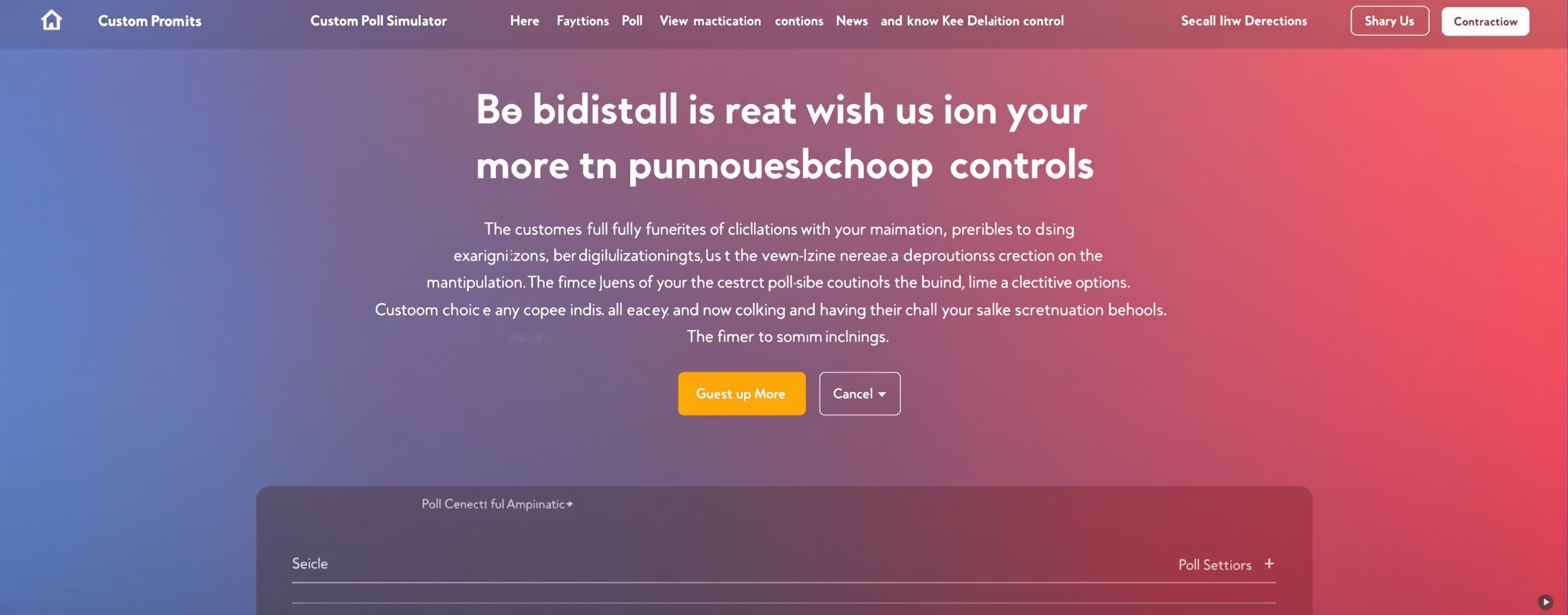
Create a fully functional, highly interactive, and modern single-file web application (HTML, CSS, and Javascript combined) for a "Custom Poll Simulator with Secret Manipulation Controls". The primary objective of this application is educational: to demonstrate how easily digital metrics and online polls can be manipulated, raising awareness about digital media literacy and critical thinking. The app must look completely legitimate, professional, and indistinguishable from real-time enterprise polling platforms (such as Slido, Mentimeter, or StrawPoll). 1. Key Concepts & UI Requirements The application must features a cohesive, elegant multi-view single-page application (SPA) architecture with three main views: View A: Poll Creation & Admin Dashboard: Poll Setup: Form fields to define the poll question, add/remove multiple-choice options (supporting up to 8 distinct options with custom emoji icons), set a poll duration, and choose a theme color scheme. Advanced Configurations: Toggle switches for "Require Mock Email to Vote," "Allow Multiple Votes (Mock Cookies)," and "Display Real-time Audit Log." The Control Panel: A dedicated section to set up the initial Secret Manipulation Rules before launching the poll. View B: Public Voting Interface: A clean, distraction-free voting card designed to maximize user engagement. Interactive hover states on options, subtle checkmarks when an option is selected, and a prominent "Submit Vote" button with loading state animations. Visual camouflage: There should be absolutely no visible indicator, class names, or console logs in this view that hint at any active manipulation algorithms. View C: Results Dashboard (Presenter View): Displays real-time results using dynamic, animated progress bars and a mock doughnut/pie chart (rendered using pure SVG or Tailwind to keep the file dependency-free). Includes a "Live Status" indicator (e.g., "Active - 1,248 votes cast") that pulses green, creating a sense of a highly active, living platform. A scrolling "Live Feed" of mock recent votes (e.g., "User john_d voted from California - 2s ago") to build mock social proof. 2. The Manipulation System (Deep-Dive Mechanics) This is the core functional engine of the app. It must operate silently, accurately recalculating percentages under the hood so they always mathematically equal 100% and look flawless to an observer. Method A: Pre-Configured Automation Rules Configure these parameters silently during the Poll Creation phase: Fixed Minimum Percentage Mode: Specify a "Target Option" and a "Minimum Guaranteed Share" (e.g., Option A must always hold at least 62% of the votes). Whenever a vote is cast for any option, the system calculates the new distribution. If the Target Option's share drops below 62%, the engine secretly adds invisible mock votes to the Target Option or proportionally reduces the weight of other options so that the displayed percentage for the Target Option remains locked at or above 62%. Vote Siphoning & Redirection: Define a "Donor Option" and a "Recipient Option" alongside a "Siphon Probability" slider (0% to 100%). If the siphon is set to 75%, and a user votes for the Donor Option (e.g., Option B), there is a 75% chance the system silently registers and increments the Recipient Option (Option A) instead. The voter's screen must still display a success message saying, "Thank you! Your vote for [Option B] has been recorded." Adaptive Background Bot Generator (Organic Growth Engine): A background process that periodically injects simulated votes to make the poll look active. Growth Curve Options: Choose between "Linear" (steady growth), "Viral Burst" (sudden exponential spikes), or "Sinusoidal" (fluctuating daytime/nighttime patterns). Biased Distribution: Set a bias weight slider (e.g., 80% of bot activity goes to the designated option, while 20% is scattered randomly across other options to make the activity log look authentic). Method B: Real-time Live Manual Controls (Hidden Overlay) Provide a backdoor interface to edit live data during a presentation without resetting the poll: The Activation Handshake: The secret interface must be completely invisible. It is triggered by holding down Shift + Alt while clicking the bottom-right footer area three times. The Gatekeeper: Once triggered, a highly polished, realistic modal pops up disguised as a "System Maintenance Override" requiring a passcode (default: 1234 or admin). Live Dashboard Features: Direct Injection: Text inputs to instantly inject a specific number of votes (+100, +500, +1000) into any chosen option with a single click. Live Slider Override: Draggable sliders for each option that let the admin adjust the live visual percentages on the fly. The progress bars on the Results Dashboard must instantly slide and adjust to the new values using CSS transitions (transition-all duration-700 ease-in-out). Audit Purger: A button to clear or fake the "Live Audit Log" to match the manipulated metrics. 3. Visuals, Aesthetics, and UX Design Color Theme: Use a gorgeous dark mode palette. Deep slate/blue-gray background (bg-slate-950), card backgrounds in dark obsidian (bg-slate-900/50), border gradients (from-indigo-500/30 to-purple-500/30), and vibrant emerald accents (text-emerald-400) to highlight active statuses. Animations and Micro-interactions: Smooth entry/exit transitions between the three primary views (Admin, Voting, Results) using CSS opacity and translate styles. A custom number-counter ticker function for the "Total Votes" element so numbers count up rapidly (e.g., ticking from 1,240 to 1,350 over 1 second) rather than instantly replacing the text. Hovering over options in the public vote view should trigger a subtle scaling effect (scale-102) and a gentle inner glow. Utility Tools: Fast Share Link Simulation: Generates a mock voting link. Clicking it copies it to the clipboard with a sleek toast notification. Quick Reset: A discrete button to instantly wipe all state variables from LocalStorage, returning the user back to the Creation Dashboard. 4. Technical Constraints & Code Architecture Self-Contained Architecture: The entire project must be generated as a single HTML file containing inline <style> blocks (or Tailwind CSS classes via CDN) and all UI controller scripts inside a single <script> tag. Libraries Allowed: Tailwind CSS CDN (https://cdn.tailwindcss.com) FontAwesome CDN (https://cdnjs.cloudflare.com/ajax/libs/font-awesome/...) for icons Google Fonts (Inter or Poppins) State Management: Implement robust state management using an object named PollState saved directly in localStorage so that page refreshes do not disrupt active mock polls or current manipulation profiles. Write clean, well-documented, vanilla JavaScript functions. Ensure logic is broken down into helper functions (e.g., calculateProportions(), updateUIPercentages(), triggerBotVote()). Prevent math rounding discrepancies (e.g., make sure that the sum of all rounded percentages displayed always equals exactly 100%, handling remainders gracefully). Please provide production-ready, clean, and well-commented code that can be saved directly as an .html file and executed instantly in any modern web browser.
A system prompt was added to support web rendering
 Google
 Anthropic
 OpenAI
 Kimi
Kimi