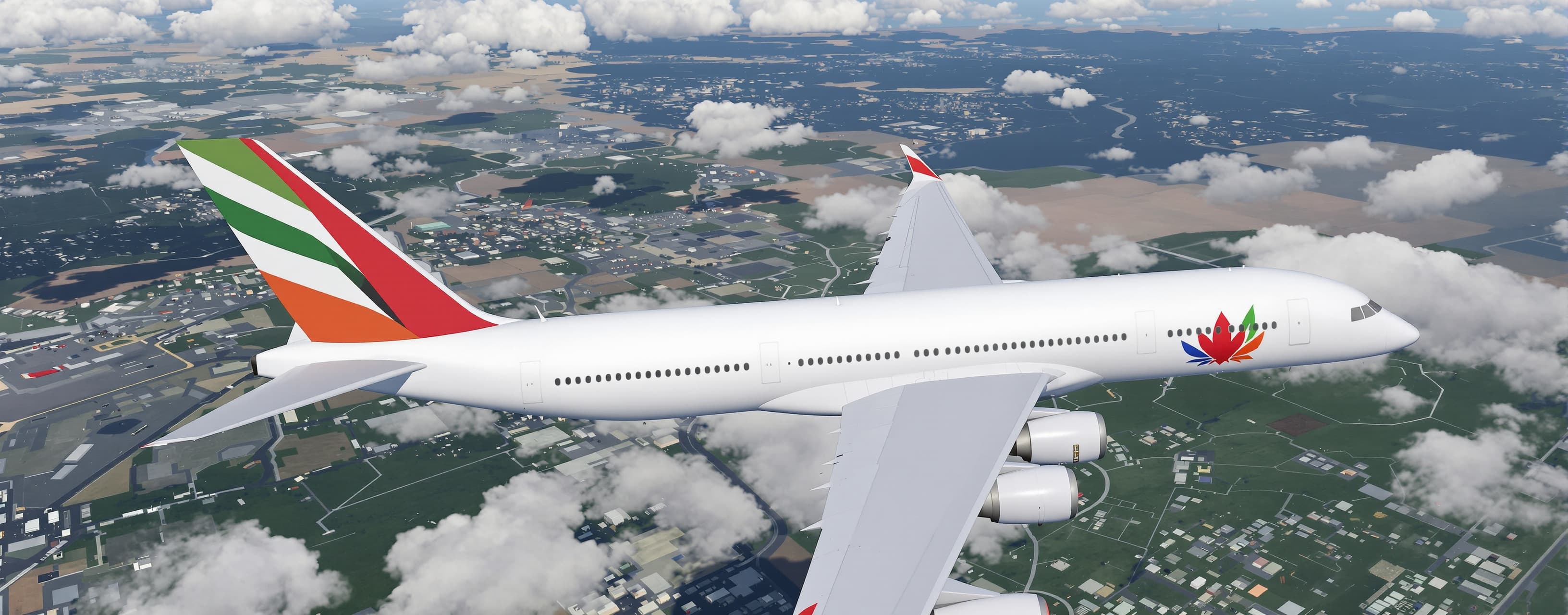
Create a complete, fully self-contained single-file HTML fli...
Prompt
Create a complete, fully self-contained single-file HTML flight simulator using Three.js (load Three.js from a CDN). The entire application must live in one .html file with no external assets, no separate JS/CSS files, and no model files to download. Everything (geometry, materials, textures, logic) must be generated procedurally or embedded as base64/data URIs inside the HTML. Core Requirements Extremely high visual quality: detailed, realistic 3D aircraft models with accurate proportions, smooth surfaces, metallic and painted materials, proper panel lines, windows, engines, landing gear, and high-quality PBR-style materials (even if approximated). Multiple real-world airlines with authentic liveries (at least 8–10 major airlines such as Emirates, Qatar Airways, Singapore Airlines, Lufthansa, British Airways, Delta, United, American Airlines, Air France, and ANA). Each aircraft should have a correctly colored fuselage, tail, engines, and logo approximations. Support several aircraft types: at least one wide-body long-haul (A350 or 777 style), one narrow-body (A320/737 style), and optionally a regional jet. Allow the user to switch aircraft. Full free-flight simulator with realistic-enough flight dynamics: pitch, roll, yaw, throttle, flaps, gear, speed, altitude, and basic aerodynamic feel (not arcade floaty, not full FAA-certified, but believable). First-person cockpit view + external chase camera + free orbit camera. Smooth camera transitions. Detailed virtual cockpit with instruments (airspeed, altitude, artificial horizon, heading, vertical speed, throttle levers, flaps indicator, gear indicator) drawn with Three.js or HTML/CSS overlays that feel integrated. Large open world: procedural or tiled terrain with mountains, flat plains, coastlines, and at least one major airport with runway, taxiways, terminal buildings, and lights. Day/night cycle with dynamic sky, sun, realistic lighting, atmospheric fog, and stars at night. Particle effects: engine contrails, runway heat haze, and landing gear dust/smoke on touchdown. Smooth 60 fps performance on modern hardware; use efficient geometries, instancing where possible, and Level-of-Detail for distant objects. Controls Keyboard + mouse (WASD / arrow keys for pitch/roll/yaw, mouse for look, throttle on shift/ctrl or mouse wheel, flaps, gear, camera switch, aircraft switch). Optional simple on-screen touch controls for mobile. Pause, reset position, and “return to airport” buttons. Technical Constraints Single HTML file only. Three.js via CDN (latest stable). No external 3D model files. All aircraft, buildings, terrain, and props must be built with Three.js primitives, extruded shapes, BufferGeometry, or procedural generation. High-quality materials using MeshStandardMaterial / MeshPhysicalMaterial with proper roughness, metalness, and clearcoat where appropriate. Responsive canvas that fills the browser window. Clean, well-commented code structure so the file remains maintainable. Extra Polish Realistic engine sound simulation using the Web Audio API (procedural tones that change with throttle and speed). HUD overlay with speed, altitude, heading, vertical speed, and aircraft name. Smooth landing and takeoff physics with ground collision and friction. Ability to spawn multiple AI aircraft flying patterns in the distance for atmosphere. Deliver the complete working HTML file ready to save and open in a browser. Make the aircraft models as detailed and beautiful as possible within the single-file constraint.
A system prompt was added to support web rendering
 Z AI
Z AI Kimi
Kimi