Create a clear labelled technical illustration showing the t...
Prompt
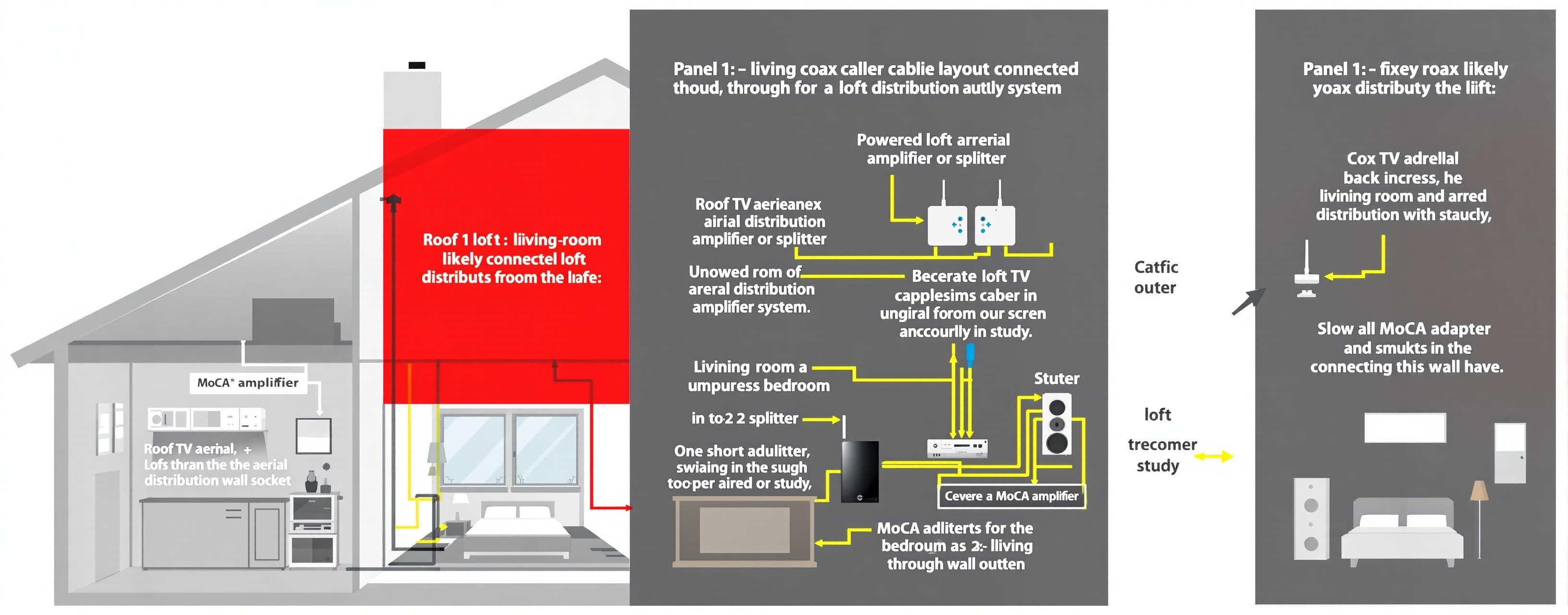
Create a clear labelled technical illustration showing the three most likely coax-cabling layouts in a 1990s detached UK house, so a homeowner can identify which setup they have. Use a clean cutaway-house diagram style, white background, simple colour-coded cables, large readable labels, and three separate side-by-side panels titled: Panel 1 — Living-room aerial outlet connected through loft distribution system Show: Roof TV aerial. Coax entering the loft. A powered loft aerial distribution amplifier or splitter. Separate coax drops from the loft to:living-room TV aerial wall socket, upstairs bedroom, study. In the bedroom, show a 1-to-2 splitter:one short output available in the bedroom, one cable continuing through the wall to the study. Show a MoCA adapter beside the router in the living room, connected to the proper aerial wall outlet. Show a second MoCA adapter in the bedroom. Highlight the loft amplifier in red with the label: “Possible MoCA blocker — may need bypassing or replacing with passive 5–2400 MHz splitter.” Add a green alternate path showing the living-room and bedroom cables joined through a MoCA-compatible passive splitter. Panel 2 — Two loose living-room cables are direct satellite dish feeds Show: Satellite dish mounted on the outside wall. Twin coax cables running directly from the dish LNB down the exterior wall into the living room. These are the two loose cables emerging through the wallpaper near the router. Separately show the roof aerial and loft TV distribution network feeding the bedroom and study. Make it visually obvious that the satellite cables and upstairs aerial network are not connected. Place red crosses between the living-room satellite cables and the bedroom aerial cable. Add the label: “Most likely if two loose cables come from an old Sky/Freesat dish. These cables may never enter the loft TV network.” Show that plugging one MoCA adapter into the living-room satellite cable and another into the bedroom aerial cable produces: “No MoCA link.” Panel 3 — Satellite cables can be repurposed end-to-end Show: A satellite dish with a quad LNB and several separate coax feeds. Two feeds going to the living room. Another feed going to an upstairs bedroom or study. Show the cables disconnected from the LNB. Show one living-room feed joined to one upstairs feed using a weatherproof F-type barrel coupler near the dish or under the eaves. Show self-amalgamating waterproof tape around the external connection. Show a MoCA adapter in the living room and another upstairs, with a green active connection between them. Add the label: “Best-case repurpose: direct home-run satellite coax gives an excellent MoCA path once the two room feeds are joined.” Add a warning: “Only do this if those satellite feeds are no longer required and safe ladder access is available.” At the bottom, include a small “What to look for” checklist with illustrated icons: Two cables running up the exterior wall to a satellite dish. A hidden living-room TV aerial wall plate. Loft-powered aerial amplifier. Passive splitter marked 5–1000 MHz. MoCA-compatible splitter marked 5–1675 MHz or 5–2400 MHz. Loose or disconnected coax ends in the loft. F-type barrel coupler. Bedroom 1-to-2 splitter continuing to the study. Use these cable colours consistently: Blue = terrestrial TV aerial coax. Orange = satellite coax. Green = confirmed working MoCA path. Red = blocked, disconnected, or separate network. Style: practical homeowner troubleshooting guide, similar to an electrician or network installer training diagram. Avoid unnecessary decorative detail. Make the routing physically plausible for a UK detached house built in the 1990s.
 MiniMax
 Google