Build a complete production-ready full-stack autonomous AI w...
Prompt
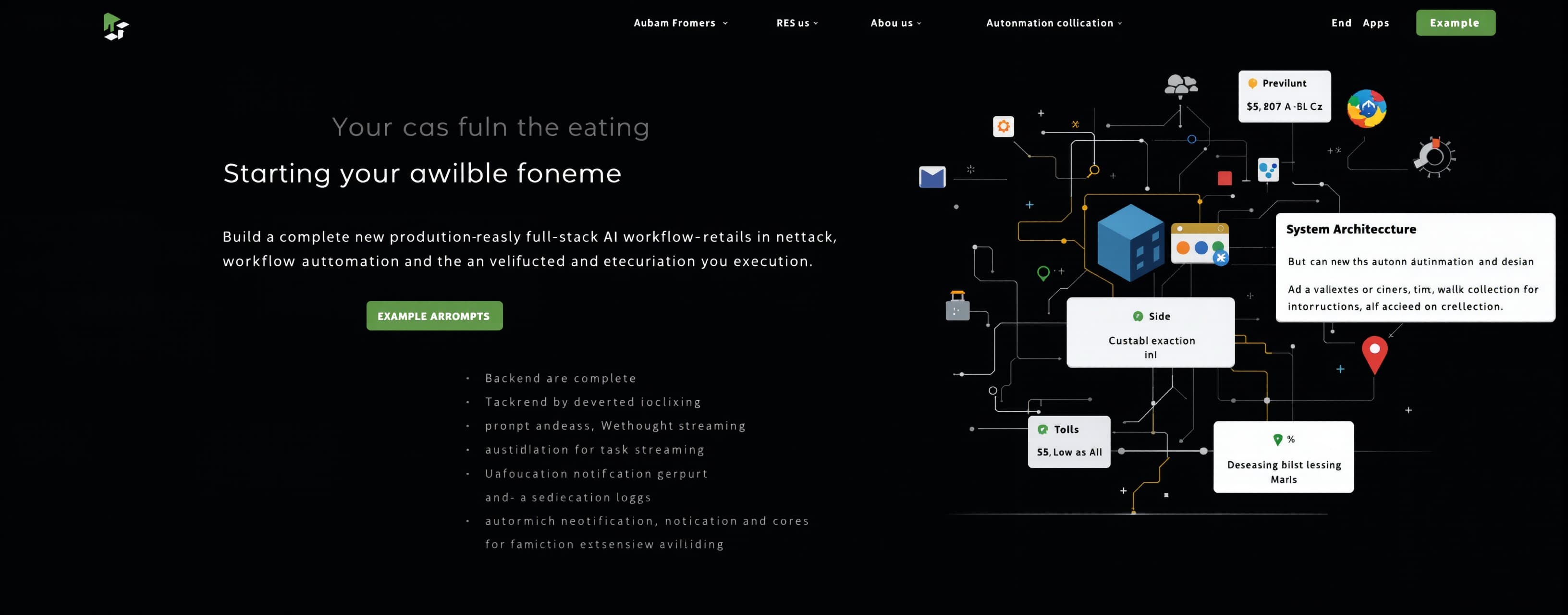
Build a complete production-ready full-stack autonomous AI workflow automation and task execution platform. The backend must be fully implemented in a single server file and the frontend must be fully contained in a single index.html file including all views, styles, logic, and modals. All code must be complete, unabridged, fully functional, and without any placeholders, mock data, stubs, or simulated logic. SYSTEM ARCHITECTURE The backend must run as a single file containing all REST endpoints, two distinct WebSocket servers, database models, session management, and the autonomous execution engine. Use SQLite or in-memory persistence with atomic disk sync. Expose a task streaming WebSocket for prompt processing, thought streaming, and tool execution logs, and an asynchronous notification WebSocket for background job alerts and credit updates. The frontend must reside entirely inside index.html containing complete HTML markup, CSS variable theme tokens, client-side routing, reactive state stores, and WebSocket handlers. BACKEND SPECIFICATIONS Initialize an HTTP server with dual WebSocket attachments. Implement middleware for large JSON and multipart payloads, cross-origin resource sharing, security headers, request logging, and JSON Web Token authentication verifying REST requests and WebSocket upgrades. Data Storage Schema: Users store user identifier, email, display name, avatar URL, referral credits balance, registration timestamp, and configuration settings. Projects store project identifier, user identifier, title, timestamps, and associated task session identifiers. Task Sessions store session identifier, user identifier, project identifier, intent category icon name such as book-learning, archive-folder, document-analysis, brain-reasoning, code-transpile, title, pinned boolean, timestamps, parameters, and full message history. Messages store message identifier, session identifier, sender role, content, tool metadata including tool name, input parameters, stdout and stderr streams, status, output artifacts, and timestamps. Tools and Plugins store identifier, name, icon, parameter schema, credentials, and handler functions for file parsing, code interpretation, web scraping, data transformation, and desktop automation. Scheduled Tasks store task identifier, user identifier, task blueprint, cron expression, execution history, active state, and next execution timestamp. RESTful Endpoints: Authentication endpoints handle registration, login, token refresh, user profile retrieval, settings persistence, and referral balance updates. Projects endpoints handle listing, creating, updating, reordering, and deleting projects. Sessions endpoints handle listing paginated task sessions, session creation, full message log retrieval, title renaming, pin toggling, project assignment, and session deletion. Tools endpoints handle tool querying, custom tool registration, per-session activation toggles, and health checks. Scheduler endpoints handle creating, viewing, pausing, resuming, and removing scheduled recurring jobs. File Ingestion endpoints accept multipart uploads and nested directory JSON payloads, construct file tree data structures, extract text content, and attach files to sessions. Export endpoints package session histories, execution logs, and generated files into downloadable compressed archives. WebSocket Engine: Verify client authentication on connection and maintain heartbeat signals. Ingest task execution payloads containing prompt text, model tier selections, attached files, and active tool switches. Stream real-time events including thought log frames, collapsible reasoning accordions, tool lifecycle states from start to stdout and stderr capture to completion, and markdown token streaming. Support prompt cancellation and interrupt frames to cleanly stop active loops. The notification WebSocket pushes scheduled task completions, balance updates, and broadcast alerts. Autonomous Execution Loop: Parse prompt intent and generate an execution plan. Stream status updates to the client. Validate arguments and execute target tools. Capture output streams, store intermediate artifacts, and append entries to session history. Synthesize findings iteratively until the task objective is achieved or depth limits are reached, then stream final markdown responses. FRONTEND SPECIFICATIONS Design System and Theming: Implement a dark and light theme engine defaulting to high-contrast dark mode using CSS custom properties for surfaces, borders, text contrast levels, brand accents, error or warning indicators, and hover overlays. Include fluid drawer transitions, slim scrollbars, container queries, and focus rings. Sidebar Navigation: Construct a 300px fixed-width collapsible sidebar with mobile drawer support. The header contains the platform brand lockup, a global search trigger, and a collapse toggle. Action controls include a New Task button with keyboard shortcut indicators and a primary workspace view switcher. Navigation menus provide links for Plugins, Scheduled, and Library sections. The Projects section contains a collapsible header, reordering controls, a quick-add trigger, project list items with task counts, and a new project creation row. The Tasks section contains a collapsible header, task filter controls, and a scrollable session list displaying intent-specific category icons, truncated titles with hover tooltips, skeleton loading animations during fetch, and a three-dot action menu for renaming, moving to projects, pin toggling, downloading archives, and deletion. The sidebar footer includes a referral reward banner with gift icon, user profile card with avatar and display name, account menu dropdown, desktop client connector indicator, and a notification bell with an active unread count badge. Workspace Header: Include mobile menu toggles, breadcrumb session titles, engine model tier dropdown selectors with promotional badges, and session configuration modal triggers. Workspace Canvas and Message Stream: Display an empty greeting screen with hero headline when no task is active. In active sessions, render alternating user prompt bubbles and agent execution cards. Include collapsible reasoning accordions displaying real-time thought chains and tool execution logs. Support streaming markdown, structured tables, mathematical equations, and syntax-highlighted code blocks with language labels, copy buttons, and file download triggers. Add agent message action bars for copying text, regenerating responses, branching threads, and submitting feedback. Multimodal Prompt Console: Position the console in the hero area during empty state and anchored at the bottom during active conversations. Provide a multi-line auto-expanding editor with custom placeholder text. Bind Enter to submit, Shift+Enter for line breaks, and Escape to dismiss. Action controls include an attachment upload button, directory ingestion mode for recursive folder uploads, tool connector switches such as desktop automation and sandbox environments, a microphone button with audio recording visualizers, speech synthesis audio playback toggles, and a dynamic button that alternates between Send and Stop Execution. Modals and Overlays: Provide a full-screen drag-and-drop backdrop distinguishing single files from folder trees, a central search command palette for tasks and tools, project configuration modals, scheduled automation builders, plugin credential editors, and a stacked toast notification system for success, info, warning, and error alerts. Client State Store: Manage authentication, session lists, active task streams, project trees, token buffers, tool execution timelines, theme settings, and modal states. Persist credentials, unpinned sidebar preferences, and theme options in localStorage and cookies. EXECUTION WORKFLOWS Submitting a prompt creates an optimistic session, dispatches a WebSocket payload, triggers backend planning and tool execution with streaming logs, synthesizes results, updates session metadata and category icons, and re-enables console input. Ingesting a folder parses client file trees, extracts text and binary buffers, uploads data to the backend session index, and enables agent tools to traverse and modify files. Scheduled execution runs headless agent pipelines via backend timers, writes session records, and broadcasts alerts over the notification WebSocket. DELIVERY REQUIREMENTS Provide complete production-ready source code for the single-file backend and single-file index.html frontend without any missing routines, omitted handlers, or dummy stubs.
A system prompt was added to support web rendering
 Alibaba
 Anthropic
 OpenAIOpenAI
Response not available
 Kimi
Kimi