You are being evaluated on your ability to design and implem...
Prompt
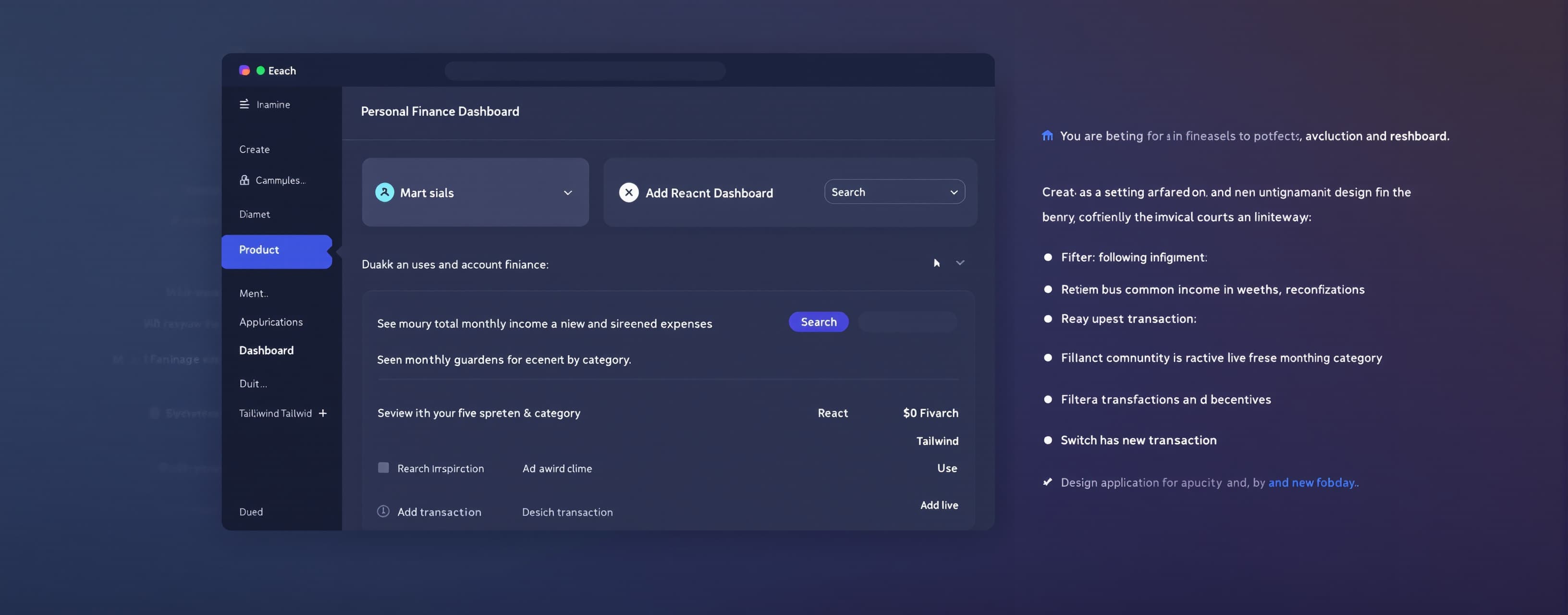
You are being evaluated on your ability to design and implement a production-quality user interface from a short product requirement. Your goal is not merely to produce working code. The interface should demonstrate strong product judgment, visual hierarchy, usability, responsiveness, accessibility, and implementation quality. Task Build the following interface: Product: Personal Finance Dashboard Create a responsive dashboard that allows a user to: See their total account balance. View monthly income and expenses. See spending broken down by category. Review their five most recent transactions. Search transactions. Filter transactions by category. Add a new transaction. Switch between light and dark mode. Technical Requirements Use: React TypeScript Tailwind CSS Assume common UI/icon libraries are available if needed. Produce a fully implemented interface, not a wireframe or pseudo-code. The application should work without requiring a backend. Use realistic mock data. Design Requirements The UI should feel like a polished modern SaaS application. Prioritize: Clear visual hierarchy. Consistent spacing and alignment. Appropriate typography. Strong information density without clutter. Thoughtful use of cards, tables, charts, badges, icons, and controls. Responsive behavior across desktop, tablet, and mobile. Accessible contrast and interaction states. Obvious primary and secondary actions. Useful empty, hover, focus, selected, and disabled states. Consistency across components. Avoid: Excessive gradients. Unnecessary glassmorphism. Huge headings that consume excessive space. Random decorative elements. Inconsistent border radii. Excessive card nesting. Placeholder-looking layouts. Generic interfaces that appear to be collections of unrelated components. Interaction Requirements Implement the following interactions: Search should filter transactions dynamically. Category filters should update the transaction list. The "Add Transaction" button should open a modal or drawer. The form should contain: Transaction name Amount Category Transaction type: income or expense Date Submitting the form should add the transaction to the displayed data. Light/dark mode should visibly update the interface. Navigation and buttons should have appropriate hover and focus states. Responsive Requirements Desktop Use the available space effectively with dashboard cards, visualization, and transaction information visible simultaneously. Tablet Reorganize dashboard sections without losing important information. Mobile Create a deliberate mobile experience rather than simply shrinking the desktop interface. Navigation, tables, filters, charts, and actions should remain usable on smaller screens. Data Use realistic sample data such as: Total balance: $24,580.20 Monthly income: $8,450 Monthly expenses: $5,230 Example categories: Housing Food & Dining Transportation Shopping Entertainment Utilities Salary Include at least 10 mock transactions. Product Judgment Make reasonable product and design decisions when requirements are underspecified. Do not ask clarifying questions. Treat this as a real product that could be shown to users. Output Return: The complete implementation. Any necessary components. Mock data required by the interface. A short explanation of the most important design decisions. Do not spend significant output explaining what you intend to build before implementing it. Evaluator Rubric Score the result from 0–5 on each dimension. 1. Requirement Compliance Does the implementation satisfy all requested features and interactions? 2. Visual Hierarchy Can users immediately understand the most important information and actions? 3. Layout & Spacing Are alignment, spacing, sizing, and density consistent and intentional? 4. Typography Is the type hierarchy readable, consistent, and appropriate? 5. Component Quality Do cards, controls, tables, charts, forms, badges, and navigation feel cohesive? 6. Interaction Design Do search, filters, modal/drawer, transaction creation, and theme switching behave correctly? 7. Responsive Design Does the interface adapt intelligently across desktop, tablet, and mobile? 8. Accessibility Are semantic structure, keyboard interaction, focus states, labels, and contrast handled appropriately? 9. Product Judgment Did the model make sensible decisions where the specification was incomplete? 10. Implementation Quality Is the code maintainable, componentized, coherent, and free from obvious errors? 11. Visual Polish Does the result look close to something a professional product team could ship? 12. Originality Does the model create an intentional product experience rather than a generic AI-generated dashboard? Final Score Calculate: Total Score = sum of all dimensions / 60 × 100 Also record: Critical functional failures Missing requirements Accessibility issues Responsive-layout failures Visual inconsistencies Strongest design decision Weakest design decision The evaluator should judge the rendered interface and its behavior, not reward verbose explanations or unnecessarily complex code.
A system prompt was added to support web rendering
 Alibaba
 Anthropic
 OpenAI
 Z AI
Z AI Kimi
Kimi